


Fuzzy
Members
-
Joined
-
Last visited
Everything posted by Fuzzy
-
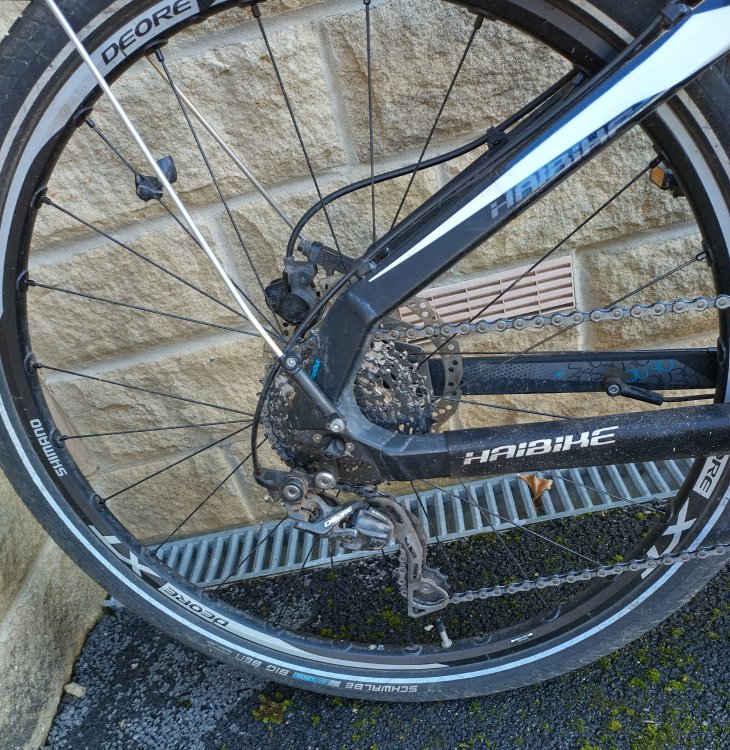
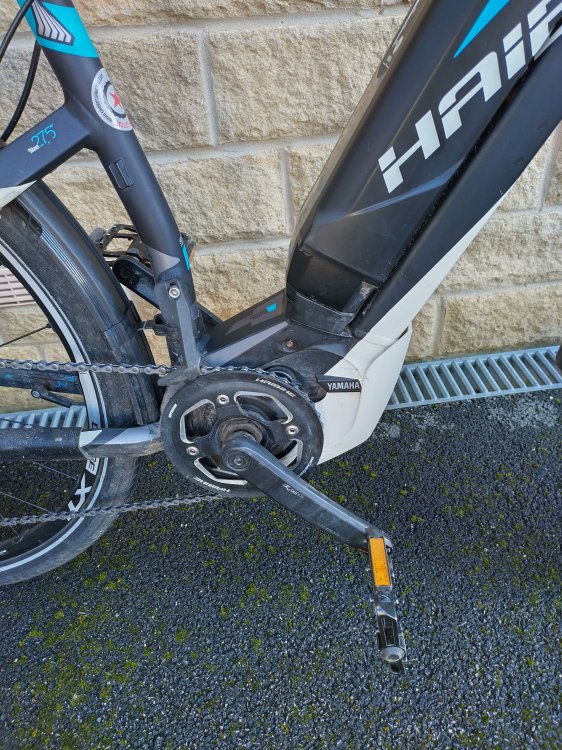
2016 Haibike SDURO HardSeven SL Electric MTB in good condition Compelete with charger and keys. In good condition with orginal charger and keys. Good battery. Motor: Yamaha Midmount 36 Volt, 250 Watt, 80Nm Battery: Lithium Ionen 36 Volt, 400 Wh Fork: Suntour XCR Air RL-R 100mm Travel, w/lockout Shift Levers: Shimano Deore SL Rapidfire 10 speed Rear Derailleur: Shimano Deore 10 speed


-
Can you not just look at replacing the tyres and maybe the stem and handlebars for something a little more comfortable? I'm looking at some Marathon Pluses for when I need new tyres.
-
How do you oil the chain?
-
I believe the average total mileage of a normal bicycle is around 40 miles in its life time...
-
What did it go for in the end on ebay?
-
ebike ride option seems to be showing now on the end of ride screen on the Android client. Anyone else confirm the same?
-
Hello Thought I should sign up as I've just got a new Haibike Sduro Hardseven in the sales! Already done 100 miles so far... Lots of fun already. I think in 10 years time there are going to be a lot more of these bikes out there...


