azapa
Members
-
Joined
-
Last visited
Everything posted by azapa
-
just a quick follow up: my bike is really working great now, such a blast to use, addictive. Even the 10% and 60% settings are a joy. I just hope the chain and rear sprockets can handle the load. 100% road use so far. Turbo Levo HT
-
OK I updated my motor FW to 4.00.01 and battery to 6.22 (strange thing here is the battery said 6.9 before... but the update was from Feb 2017 and my battery 2016). I then changed the wheel diameter hack to 1500mm instead of the 800mm i was running before. All is fine for now.
-
Quick update on my case above ^^. I had hacked the mission control app to make the bike SW think it has a 800mm wheel (the hack is here, just a quick google search). This all but removes the top speed cut out. Once at the dealers, I reset to factory settings via the mission control app, and the bike started working again. The dealer is a REALLY GOOD guy and I told him the whole thing, hacking part too. He will have the software updated to the latest version via a kit the main distributor is sending him. I'll report back again.
-
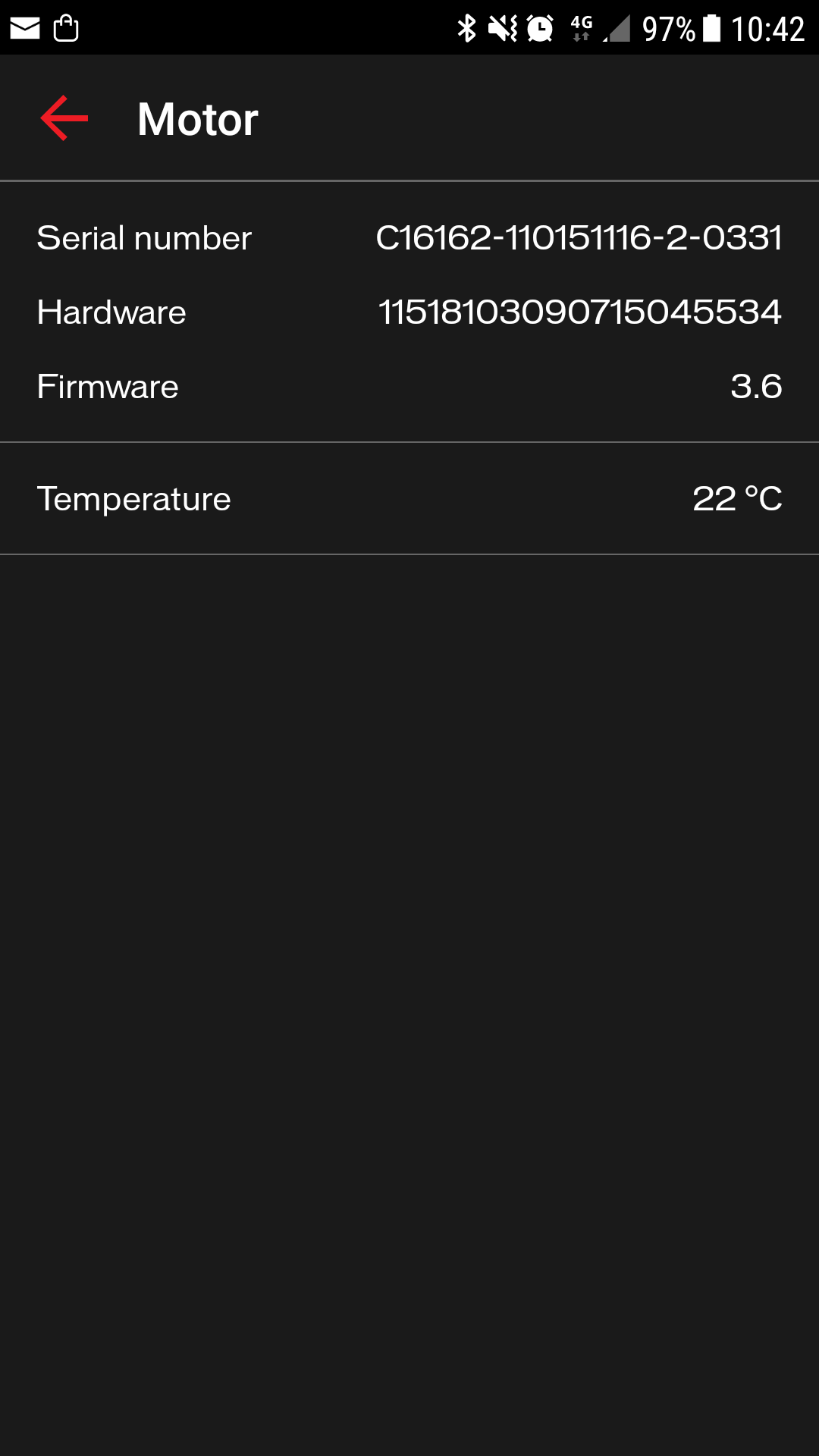
My levo turbo, build 2016 but almost unused. Just charged last night for first time after about 30kms assisted riding, and this morning no drive. Lights on, full information on android app. No assistance. Will take it to dealers today. My software version looks old, 3.x, compared to other users. Disappointed!