bucio
Members
-
Joined
-
Last visited
Everything posted by bucio
-
i made the same moves only holding brakes and now i have 37 on screen 25 real ..... i dont understand if there is a way to go to 30 real
-
tell me what i need to do i dont know anymore
-
Do you know the hub winding at all ? if you mean the internal winding i dont know .... i have lcd i have 10 option in secret menu, i tried to move some but nothing changed... i tired to change wheel inch from 20 to 10 and my speed get half .... i tried to change the ratio now is 43 i changed to 35 and the km h show 36 but the real was 22 so i dont know what to do
-
i olso trying option on display but no one was usefull .... whell inch or mph or km etc etc
-
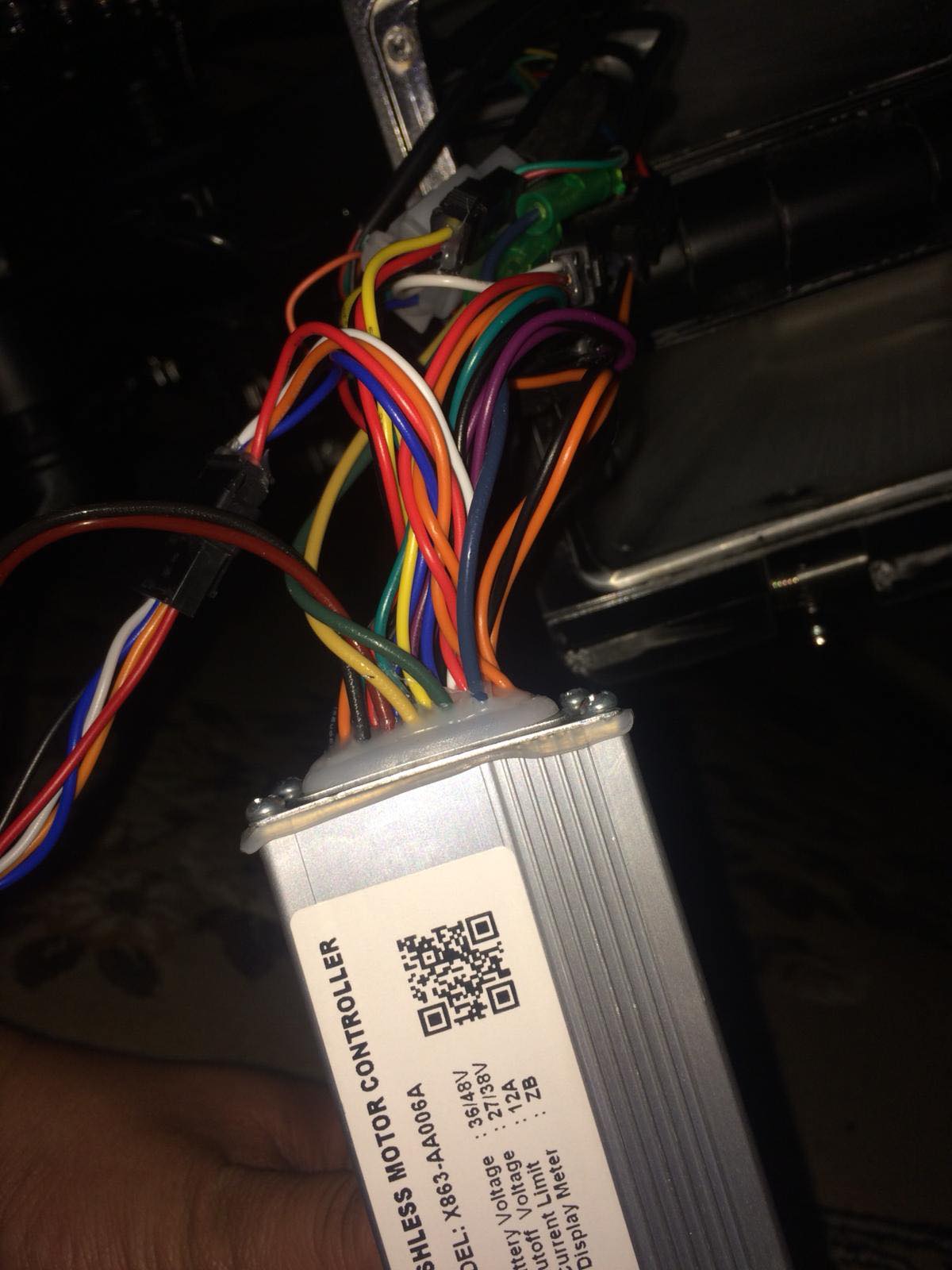
i made some test it seems no speed limiter wire but i think is rpm limited in some way .... when the whell go free it reach 28 on display on me up it reach 25 (real 22) there is a way to bypass the rpm or kv limit of this damn hub ???? pls help me thx


-
i hope you can help me


-
hi i bought this bike but i cant go over 28 km h .... (25 real) motor is 350 w battery 480 10.4 a and productor and some video post bike going to 35 on display (32 real) some of you can help me? i can go inside secret menue but no speed option inside or i can t get wich is thanks in advice