Sansibel
Members
-
Joined
-
Last visited
-
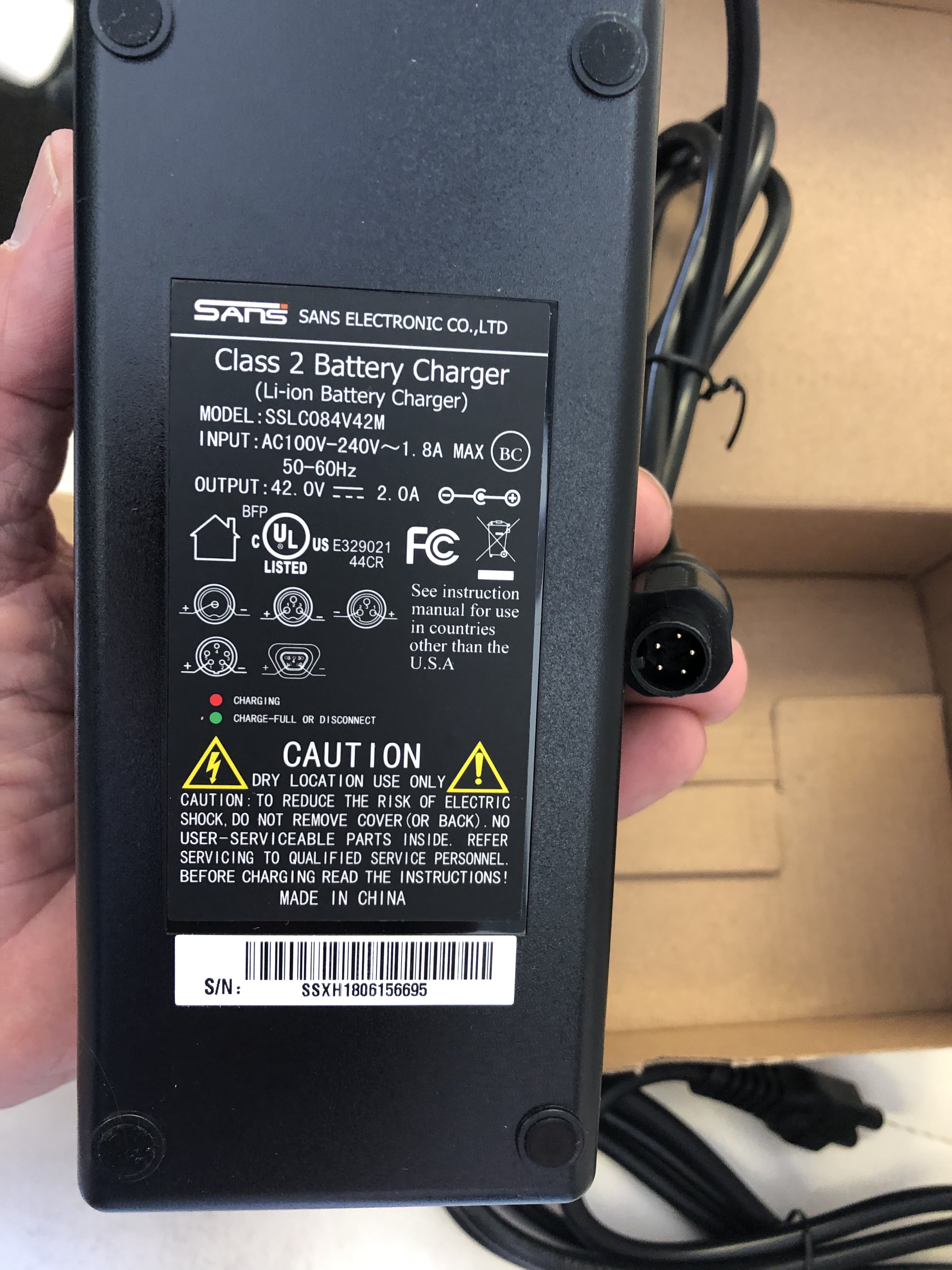
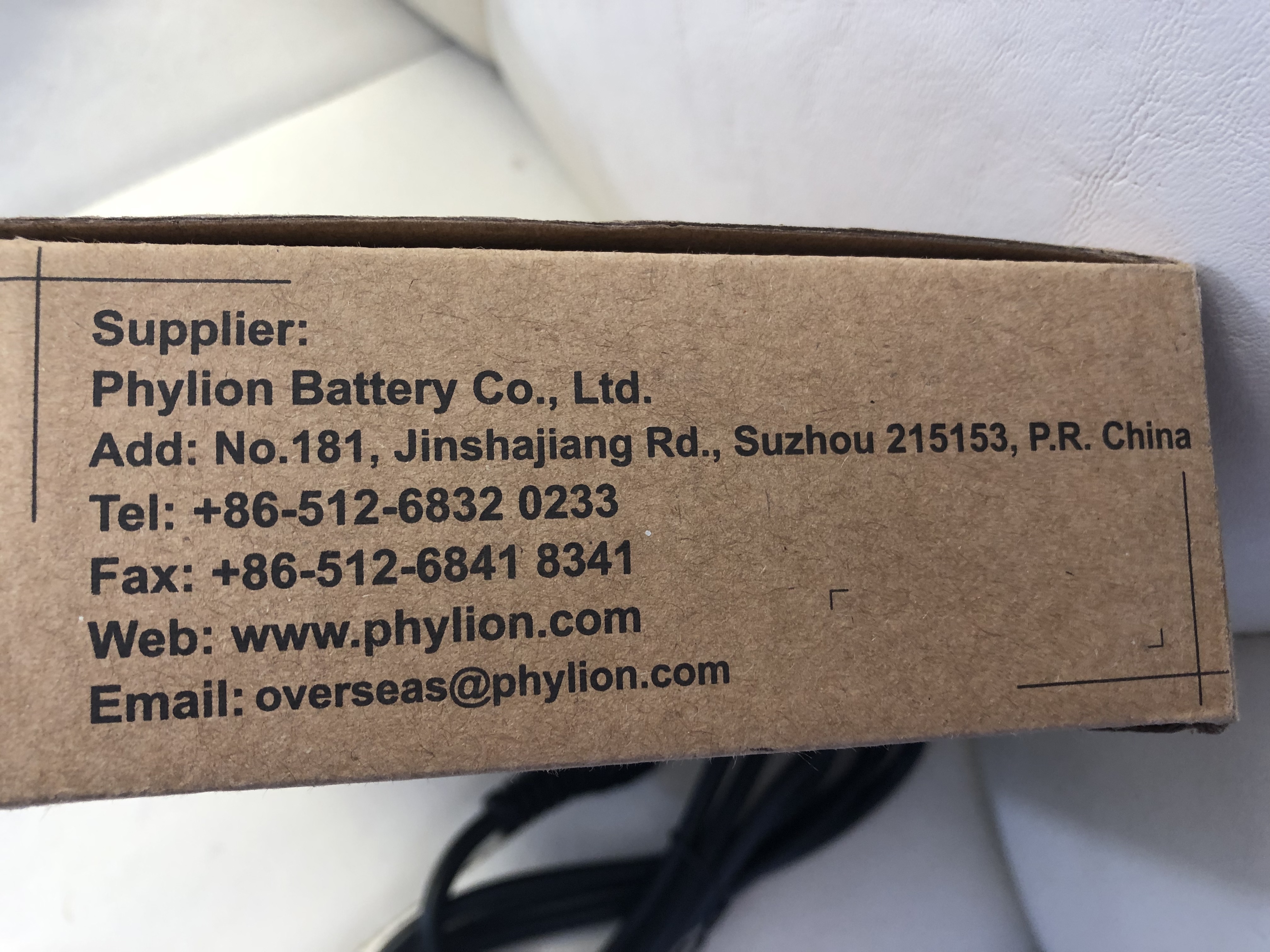
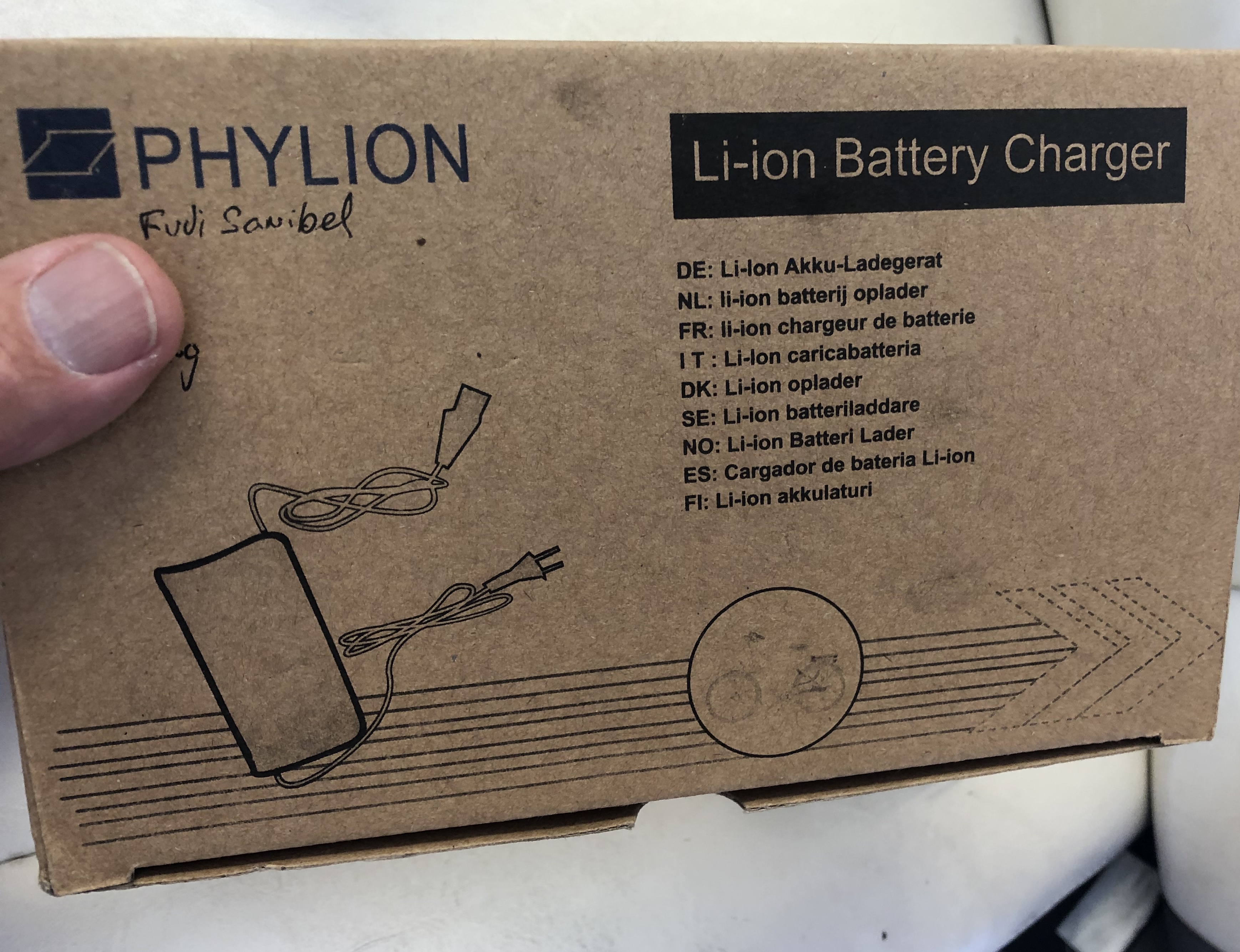
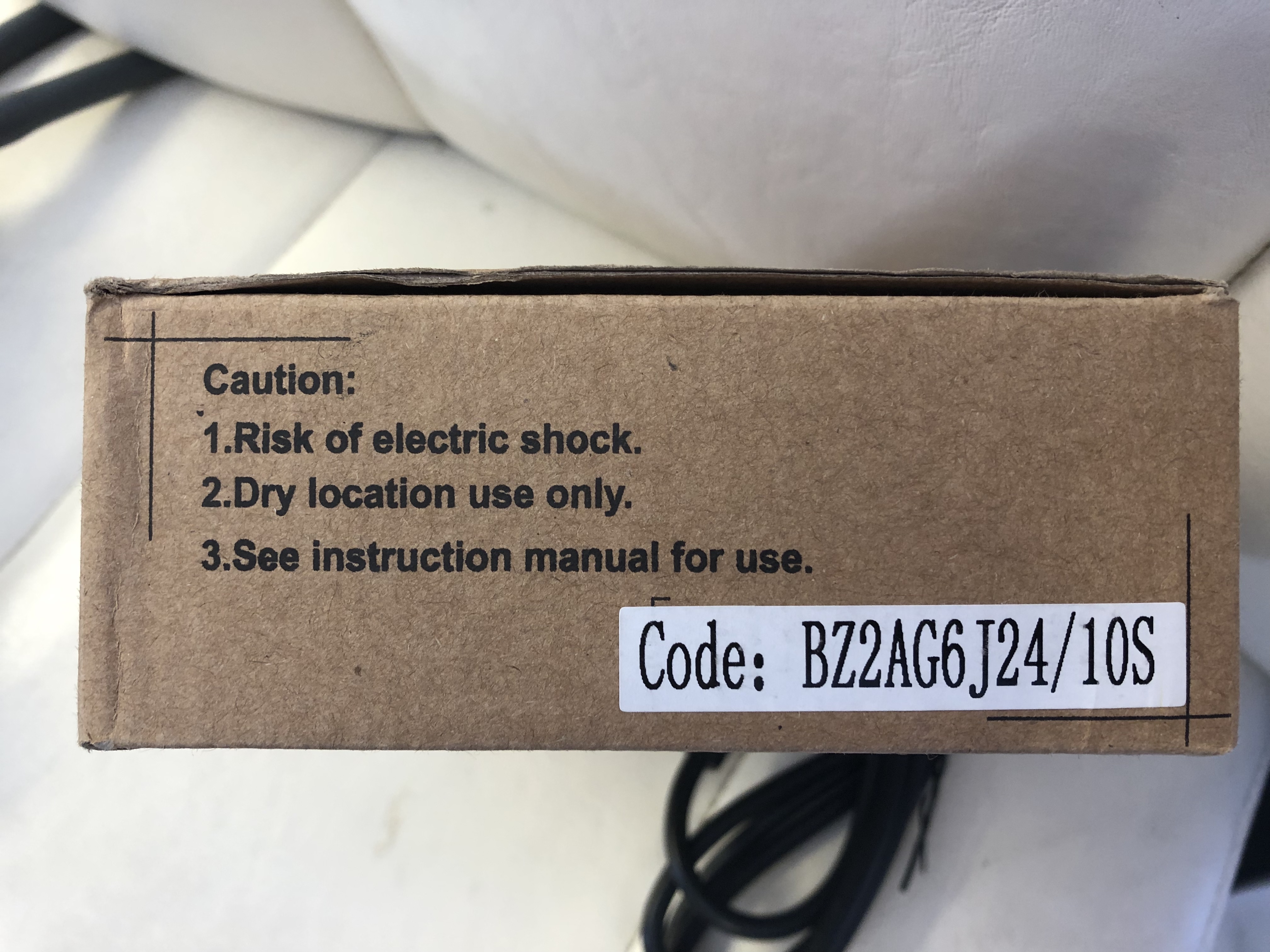
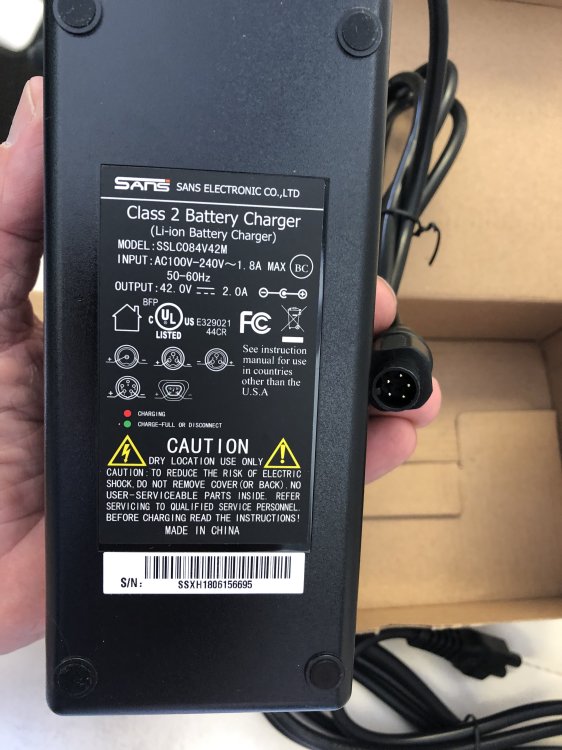
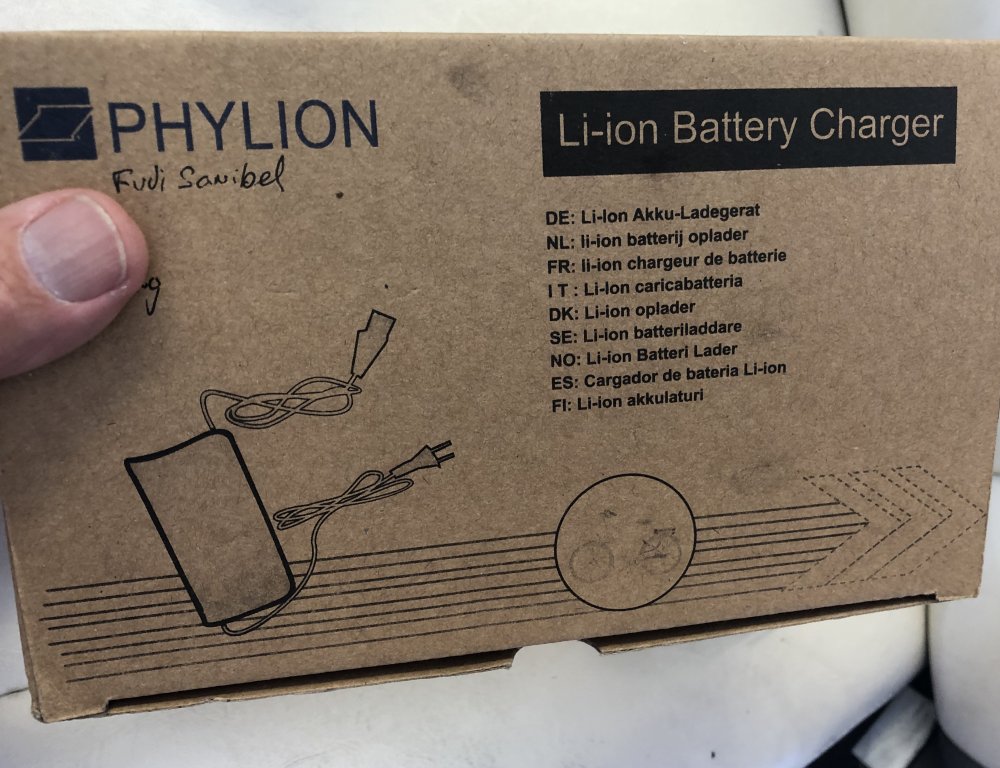
Problem solved! A local Fuji Dealer was able to order the correct charger. As cyclebuddy pointed out, it’s a Phylion battery and charger . $50 US and I’m back on the road.A little pricey, but I got a great deal on the bike.
-
Thanks, that certainly looks like same connector
-
That makes sense-I’ll check pins
-
[mention=4809]vfr400[/mention] Thanks for the clue..I'll do some more searching..Why do you think that 5 pins are needed where almost everyone else uses only 2 ?
-
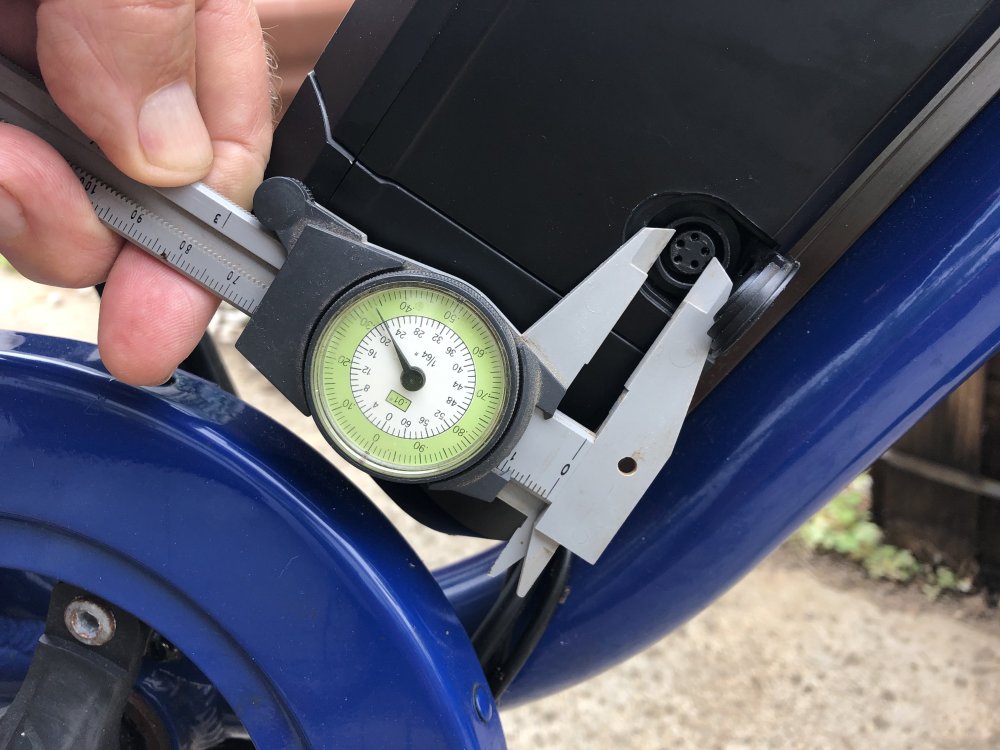
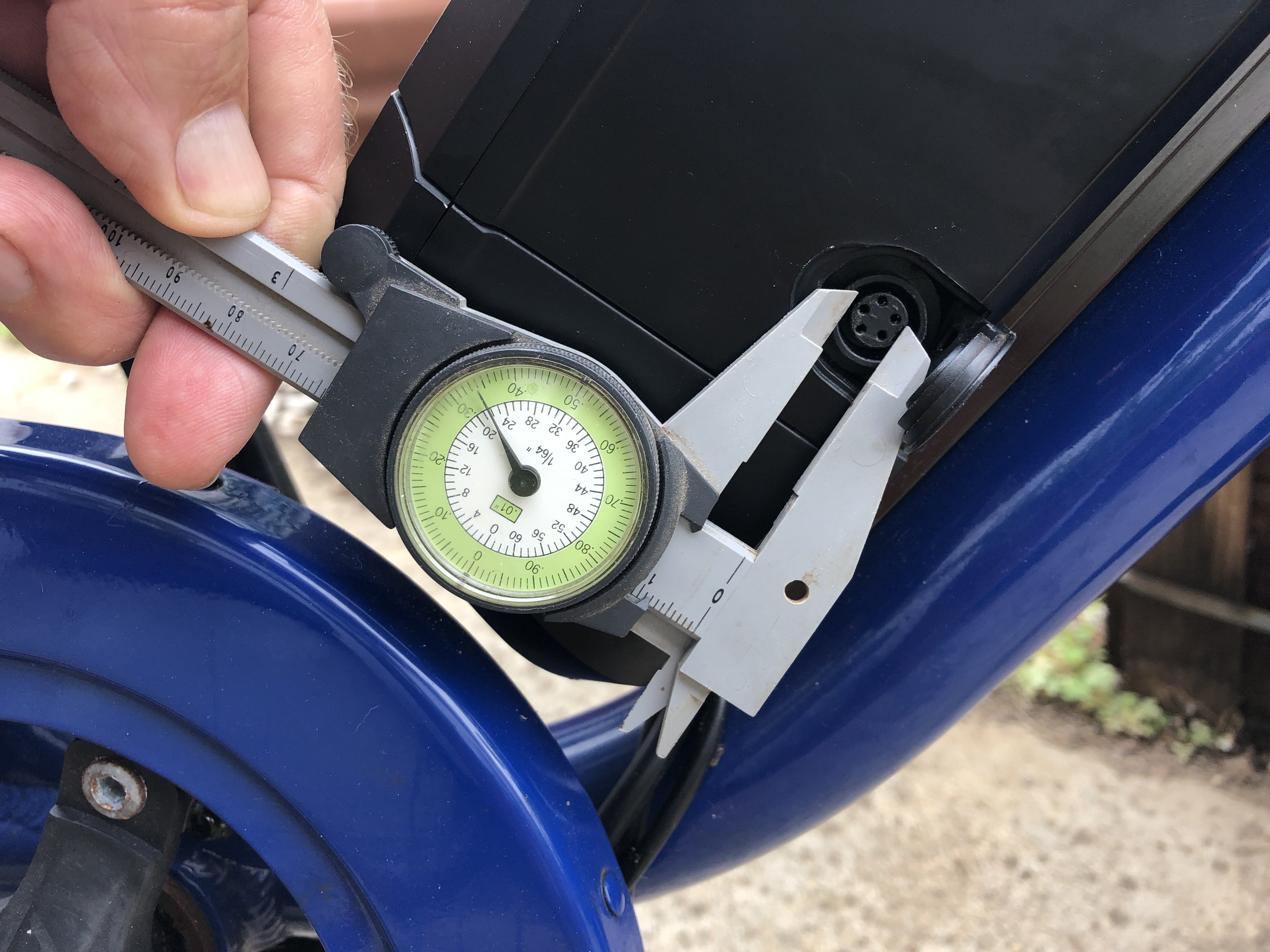
Thanks for quick reply. Looks like same pattern-trying to find dimensions of the DIN 5 plug
-
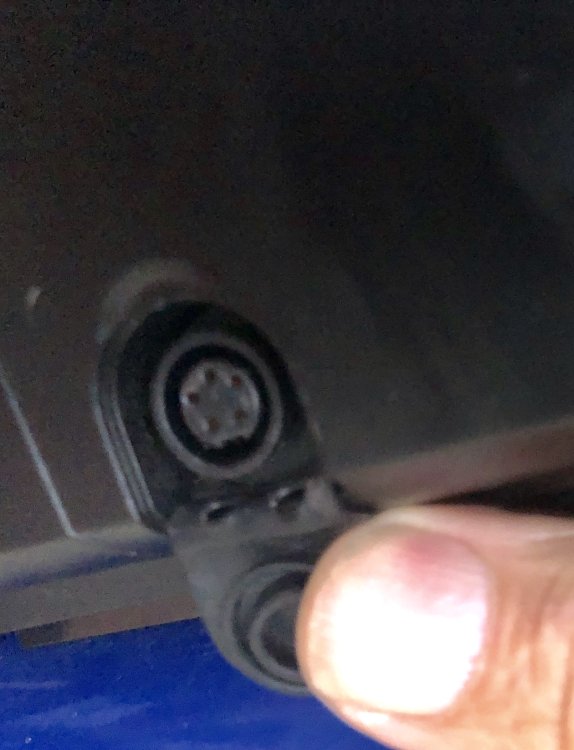
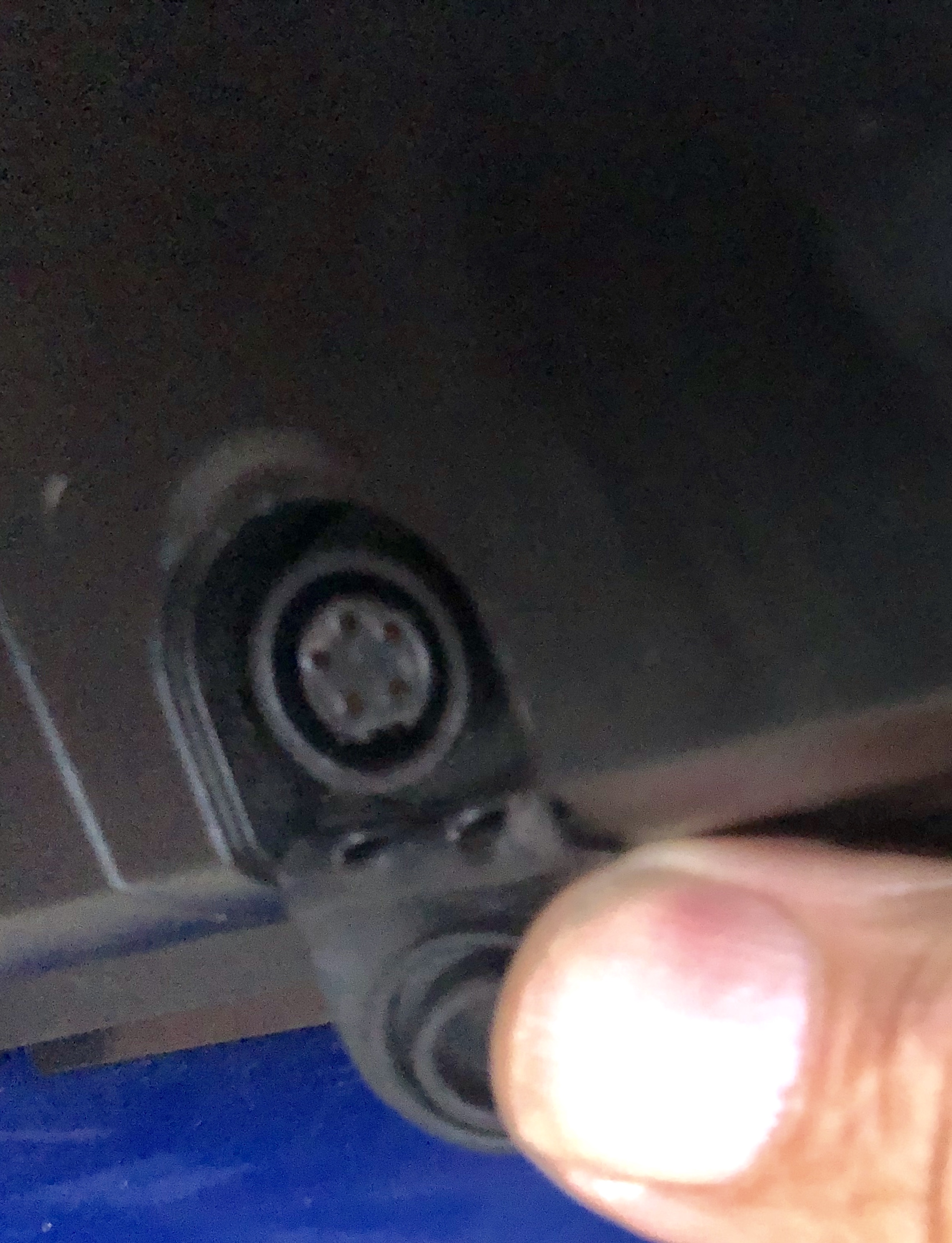
Long-time Lurker, finally joined after buying a Fuji Sanibel (350W rear hub/36V/PAS only) It came without a charger, and since the bankruptcy/sell-out of Fuji, there arent as many Fuji Dealers around. The connector is a 5-pin female(on battery) It looks exactly like this one: https://www.ebay.com/itm/5-Pin-LCD-Display-Extension-Cable-ABS-Black-Fit-For-BaFang-Mid-Drive-Motor-Kits-/202731999989?_trksid=p2385738.m4383.l4275.c10 I bought one so I could experiment with cutting off the male end and figuring out the wiring, B U T its way too small. I'll try to post pics, but may not be allowed for Newbies. If you recognise this connector or can steer me in the direction of a charger , I would be grateful.