hungrv1
Members
-
Joined
-
Last visited
-
Hi Flecc, I contacted Ezee and bought a new controller there. WW Ching responded very quick compared to greentechebike, still not got their resonse while payment done with WW Ching now. He's quick and flexible support. Thanks a lot for your valuable advice! Hope I get no trouble with replacement.
-
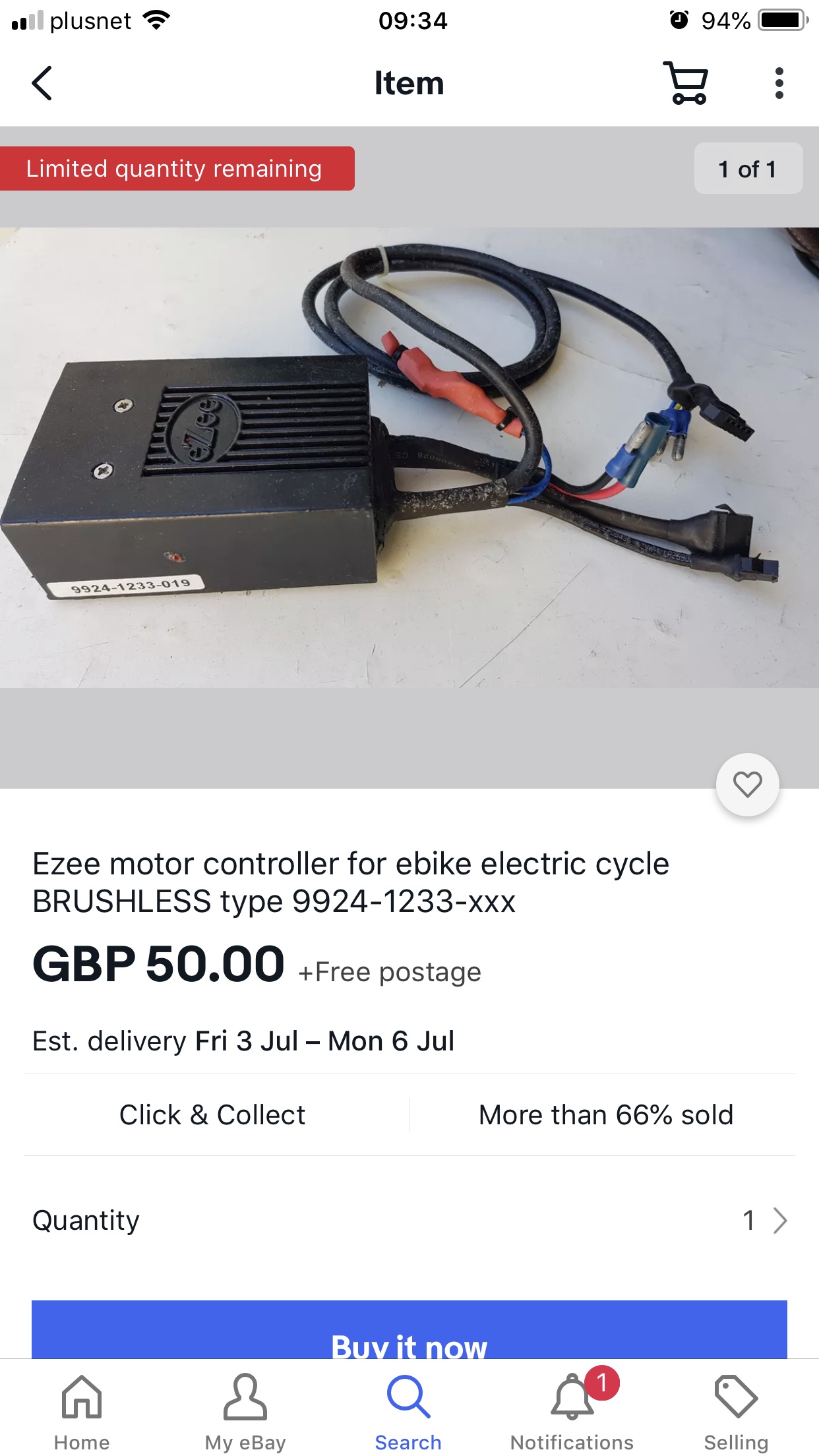
I agreed with you. But i sometimes used her battery when my battery run out. That is why we use only one charger since we can share battery each other. I check Ebay seller, they said their controller is only compatible with one has the same first 8 digits. Mine is different so can not buy. Should I contact direct Exee to ask for a replacement? or any source in Uk can help. The serial number found in my controller is 9928-798-043 whilethe Ebay selker requires 9824-1233-xxx. Thanks.


-
Hello, I open my controller ans see no burn inside as shown. The serial found is 9928-798-043. Can you advise me a replacement for this controller, please?
-
Thank you for your advice but it is quite complicated for me to carry out.
-
Hi Flecc, what did you mean that "another one might not cure the problem." Do you think the controller on the older version of my Quando can wirk on my Quando. Thanks.
-
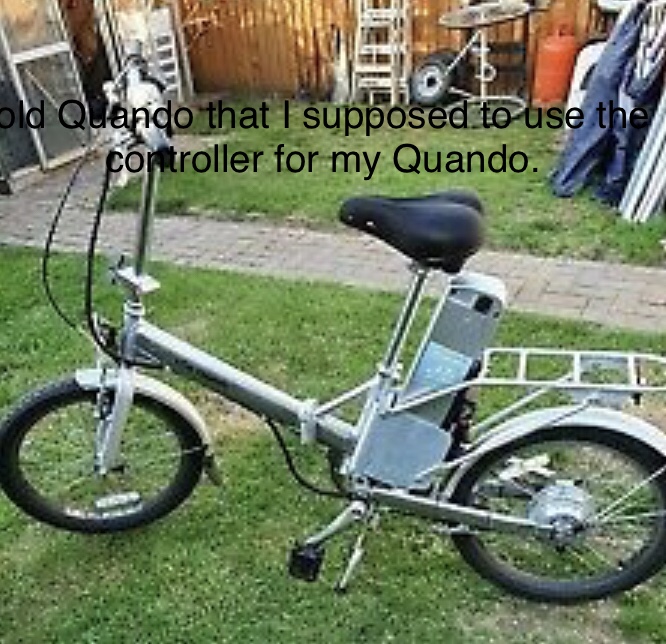
I have another charger but I am afraid the trouble is not from the voltage as notice ld by the controller. I tried 37.2v, 40v and 42v voltage battery formg bike. But it still shows 7 flashes errir( high voltage error). I now think abot replacing the controller. Ebay seller get one for £50 but I am mot sure it works for my bike or not since my controller's serial number damaged. Do you think a controller from old Quando version can work on my bike as shown in photos. Thanks.

-
Hi Flecc, Unfortunately my Quanfo still get 7 flashes error even I drakndd the battery to 37v voltage as shown in the photo. Do you have any advice for me in this case? Thank you!


-
Hi Flecc, I read many your advice in this forum but this is thefirsttime I get your advice quickly. Much appreciate!! I will try your advice. Just some notes: We always charge both batteries at the same charger. At that time the voltage on my battery is around 40v but my wife's battery is 42.8v. I need to go for another trip so I swapped my battery with my wife as we normally do. But surprisingly, it caused a trouble this time. I put my battery back ( at that time around 40v voltage) but still 7 flashes. Will try to drain my battery down to ~40v and try again to see what happen. Thank you very much, Hung.
-
Hello, I got a strange error on my Ezee Quando. My Quando is on running but I decided to switch the battery with my wife Quando also ebike to ride further. Immediately my bike can not run while her battery still full. Reading number of flashing in controller, I counted 7, it means high voltage battery. Very surprise since battery runs normally in my wife's EZee Quando bike. Went home and checked all batteries voltage, it showed around 40- 42v. Got the battery full charge over night with an expectation that the controller will stabilise over night. However, it still got 7 flashes error. Can any body advise me how to fix this error.? If I buy an old Quando ebike (as shown in photo) to use its controller. Will it work for my Quando ebike. My bike is not the first Quando as shown in photo, not Quando II but quite old, around 12 years ago. Many thanks, Hung.