Jolst
Members
-
Joined
-
Last visited
-
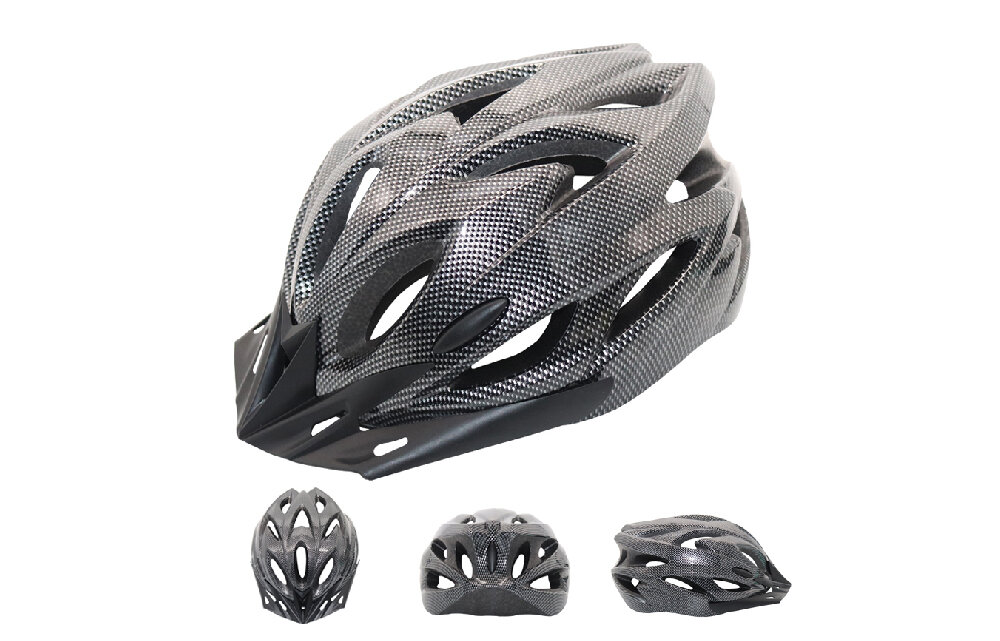
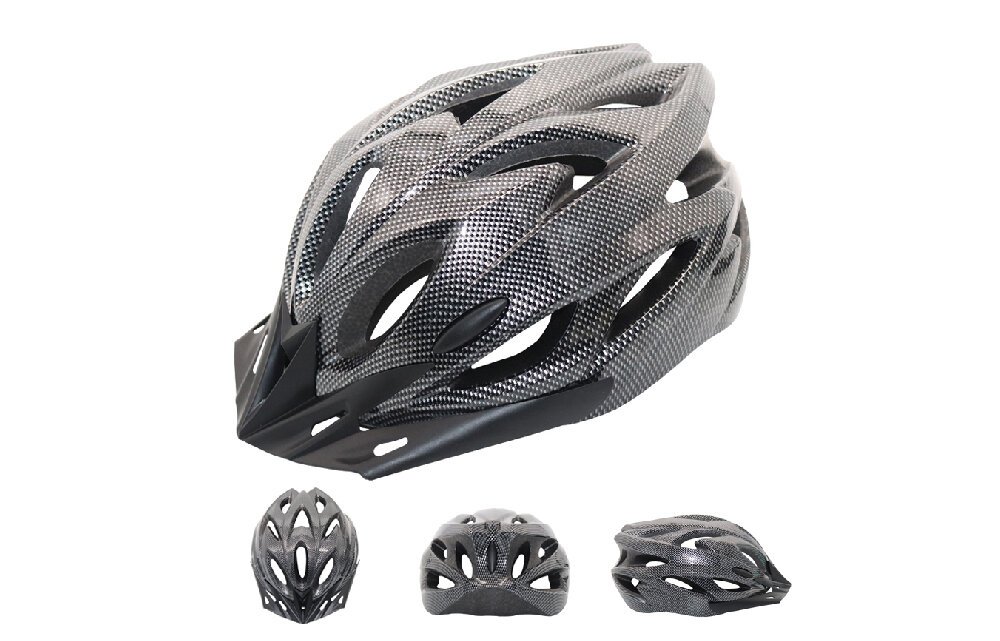
Hi my name is James, I own an e-bike and e-scooter brand called Jolst and I just want to let you know about our all range of accessories but in particular our helmet. All of our helmets are fully adjustable and come equipped with high density EPS impact resistant foam not only keeping you safe but comfortable throughout your journeys. We also have many other accessories such as; Mud Guards, Bike Light Sets, Quick Release Skewers and many more. If you're looking for high quality biking accessories why not head over to: https://www.jolst.co.uk/e-bike/scooter-shop/london?category=Accessories
-
-
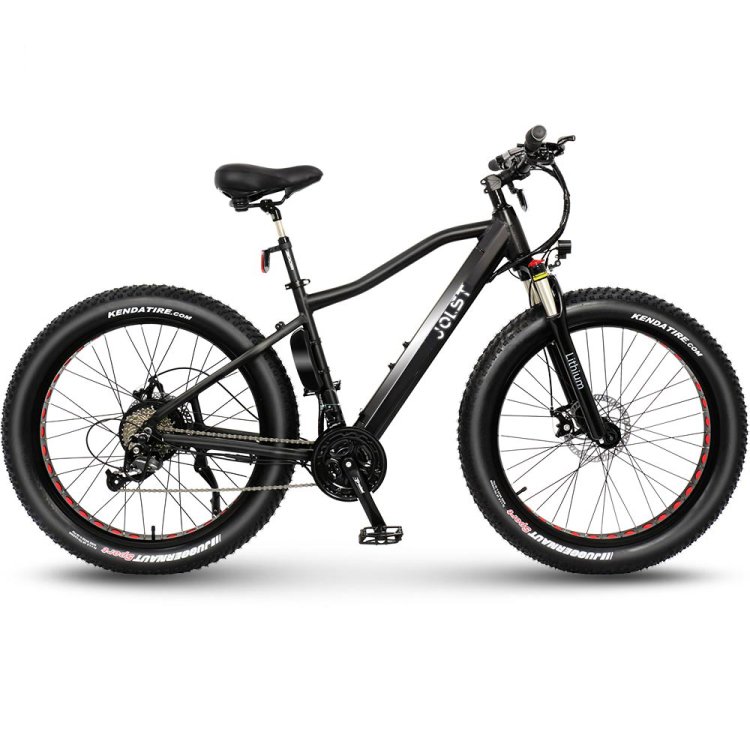
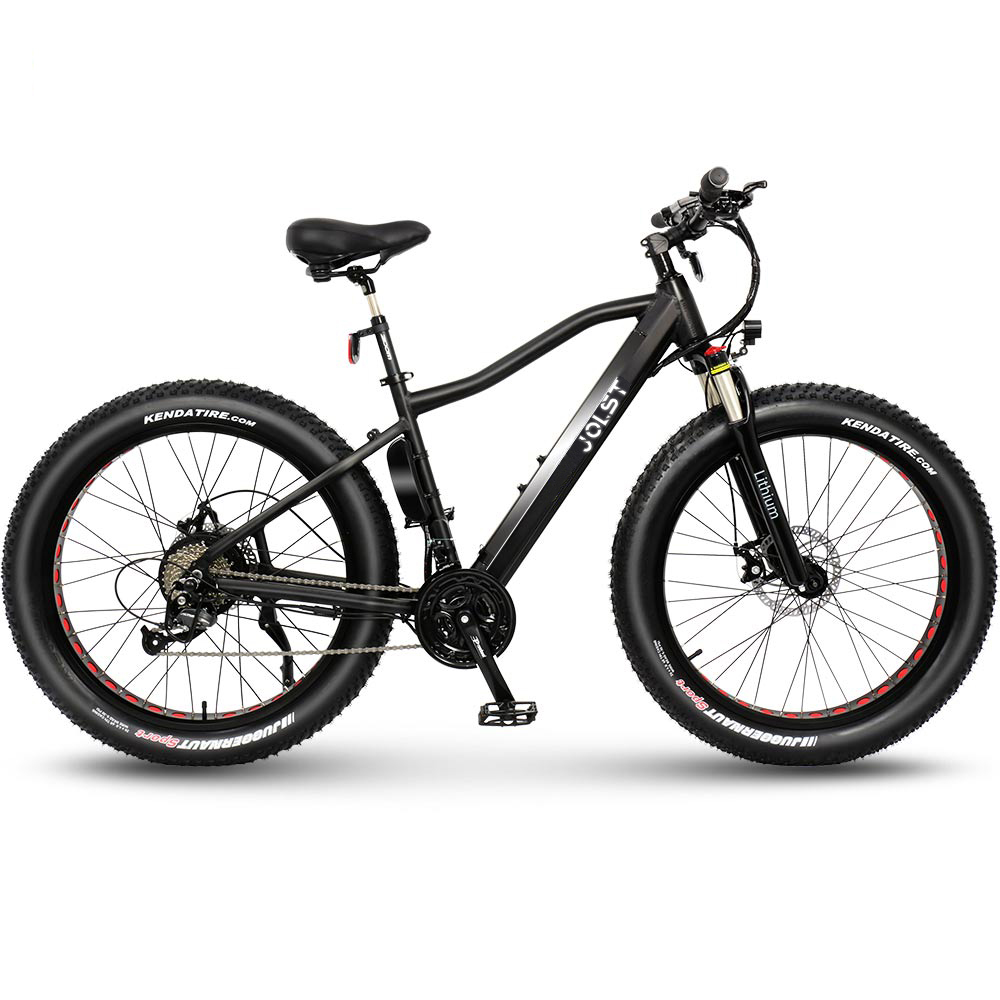
Hi my name is James, I own an e-bike and e-scooter brand called Jolst and I just want to let you know about our great new fat tyre e-bike Vault. Vault comes equipped with new Kenda Juggernaut tyres capable of tackling all terrain making it our most versatile e-bike to date. We can guarantee smooth efficient riding as Vault has a 36V 250W brush less motor. Vault along with all of our outstanding electric bike range features our hidden battery design to conceal that you're even riding an e-bike at all. If you're interested feel free to check out our e-bike range at: https://www.jolst.co.uk/e-bike/scooter-shop/london?category=E-Bikes