Skip to content
View in the app

A better way to browse. Learn more.

Pedelecs Electric Bike Community

A full-screen app on your home screen with push notifications, badges and more.

To install this app on iOS and iPadOS
  1. Tap the Share icon in Safari
  2. Scroll the menu and tap Add to Home Screen.
  3. Tap Add in the top-right corner.
To install this app on Android
  1. Tap the 3-dot menu (⋮) in the top-right corner of the browser.
  2. Tap Add to Home screen or Install app.
  3. Confirm by tapping Install.

thomasrtg

Members
  • Joined

  • Last visited

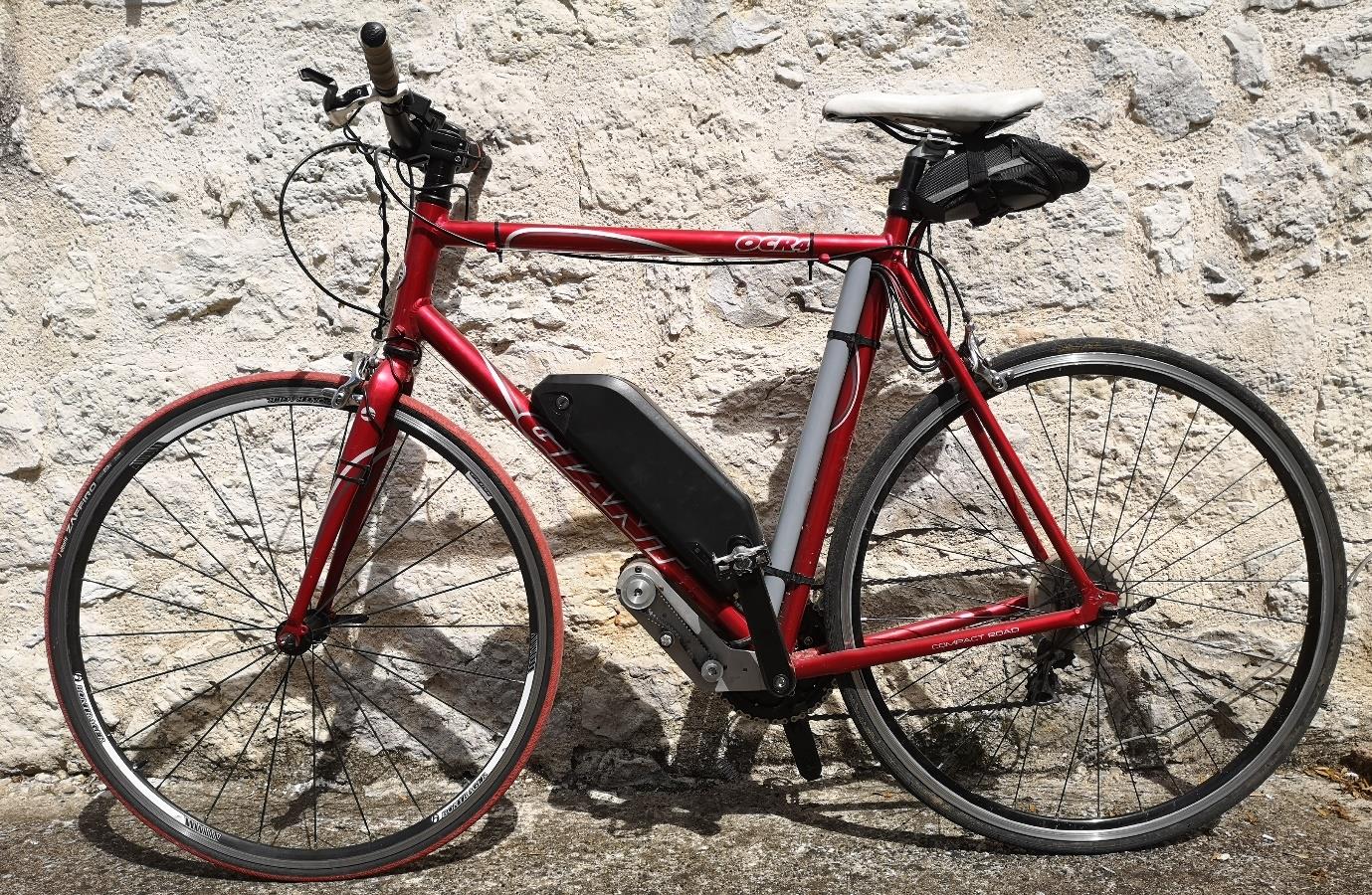
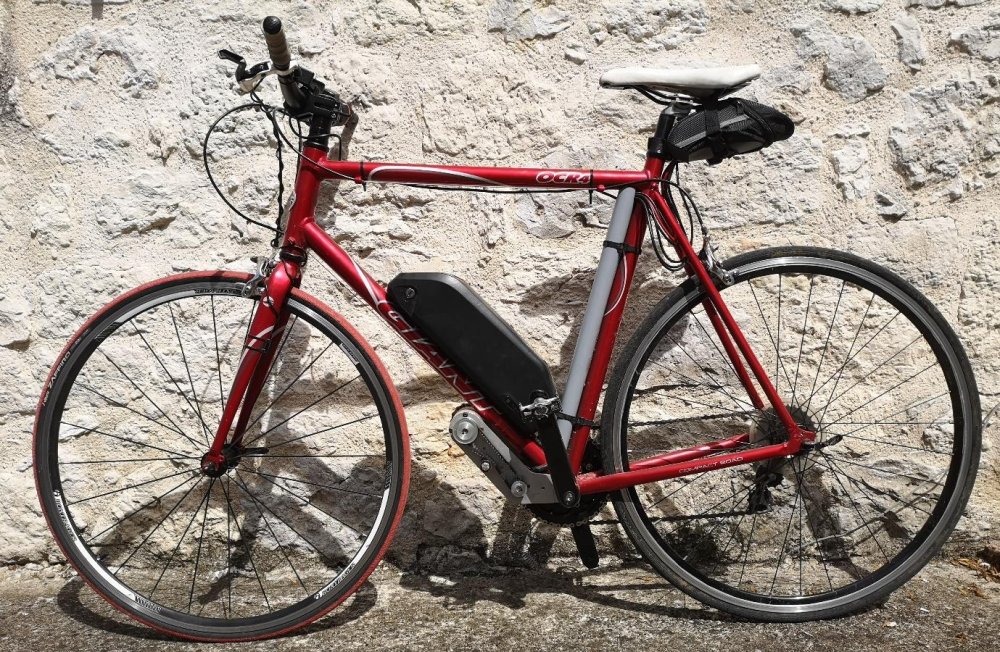
  1. Hi there, I know it's an old thread but I love the idea of this project. I have bought a vesc and manufacture a custom made ebike kit. My issue is that I would like to implement this on my VESC so I can get a PAS sensor, however I am a big noob at programming or understanding codes. Is there a step by step tutorial (for noobies ) that I could understand ? If not, would one of you accept to assist me ? thanks in advance guys ! P.S. : here is a picture of the bike
Background Picker
Customize Layout

Account

Navigation

Search

Search

Configure browser push notifications

Chrome (Android)
  1. Tap the lock icon next to the address bar.
  2. Tap Permissions → Notifications.
  3. Adjust your preference.
Chrome (Desktop)
  1. Click the padlock icon in the address bar.
  2. Select Site settings.
  3. Find Notifications and adjust your preference.