Paulpmpmpm
Members
-
Joined
-
Last visited
-
Okay mate thank you I'll get new controllers then.
-
Okay thank you. I know I'm probably being useless right now but this is the best in can do. Here is a picture of the 2 controllers iv drawn an arrow to show which wires I connected, the orange and white to the black and white. https://ibb.co/6t1k4Lj I don't have any diagrams to tell me what they do. Here is the listing on AliExpress for the controllers, they don't give much information. https://m.aliexpress.com/item/4000255792247.html?spm=a2g0n.orderlist-amp.item.4000255792247&aff_trace_key=&aff_platform=msite&m_page_id=6067amp-bZF9ROvIHIe_AgGymJZWVw1625417368392&browser_id=&is_c=
-
Sorry this is an escooter not ebike, these forums seem a lot more popular than scooter forums and im sure some of you are quite clued up. My scooter has 2 controllers and 2 motors. I was connecting the controllers together and connected two wires incorrectly, it made a pop and now the scooter wont stay turned on. I guess i fried one or both of the conttrollers? The battery voltage output is still giving 58.8v for a 52v battery so were good there. Iv included video and pictures but dont know if they assist in any way. Thanks https://streamable.com/9ge3g4 https://ibb.co/QmW5PVB https://ibb.co/JH25f2n
-
Okay thank you I'll check when I get back from work
-
14
-
For the last 2 days iv had a problem where the bike turns off and I can't turn it back on unless the charger is plugged in. Then I can turn it on and off again as I please until it happens again. This is obviously quite annoying as I'm not always near a plug socket. What could this be? Before this I had a problem where the output from the battery was only 42v instead of 58v and I couldn't turn it on at all. I just replaced the BMS and now I get all 58v but I have started to have this problem now where it won't turn on sometimes.
-
Here are some pictures. Positive end : Negative end : Output : Output 2 : https://i.ibb.co/FbQH71Q/IMG-20201123-162215.jpg
-
Hey I fitted a new BMS and still have same problem so I will do the 7 tests as you originally told me to. I was reluctant at first because I really don't understand what I'm looking at with that diagram. I really don't want to bother you but is there any simpler way I can understand? Am I supposed to hold 1 prong at 1a and the other at the other 1a, then 2a and 2a ogether ? Etc.
-
Ah okay mate thank you, my controllers say 25a on both of them so should be okay cheers
-
I think so my battery is 23.4ah that BMS is 40a so that will be okay? I hope so I ordered it ☺️
-
Thank you for the link!
-
Is this one better? US $13.90 27%OFF | 14S 45A 52V Lithium Li-Ion Battery Bms Protection Board Pcb With Balance Module For E-Bike Electric Bicycle https://a.aliexpress.com/_BT9ArW And I need to buy an on off switch too?
-
Hi I thought the controllers would switch off the battery. I can switch it off at the LCD display.
-
Ah right in description it just said "balance charging :no" so they must have described it incorrectly. It doesn't have an on off switch. So you think I should order that BMS?
-
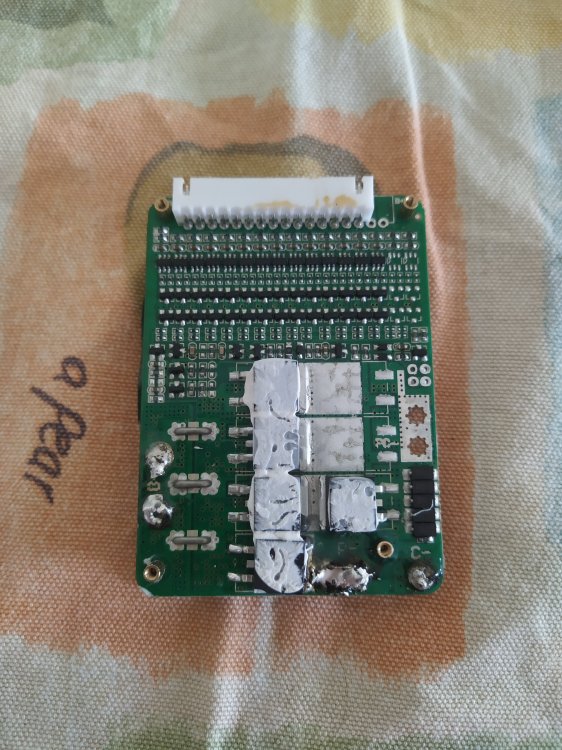
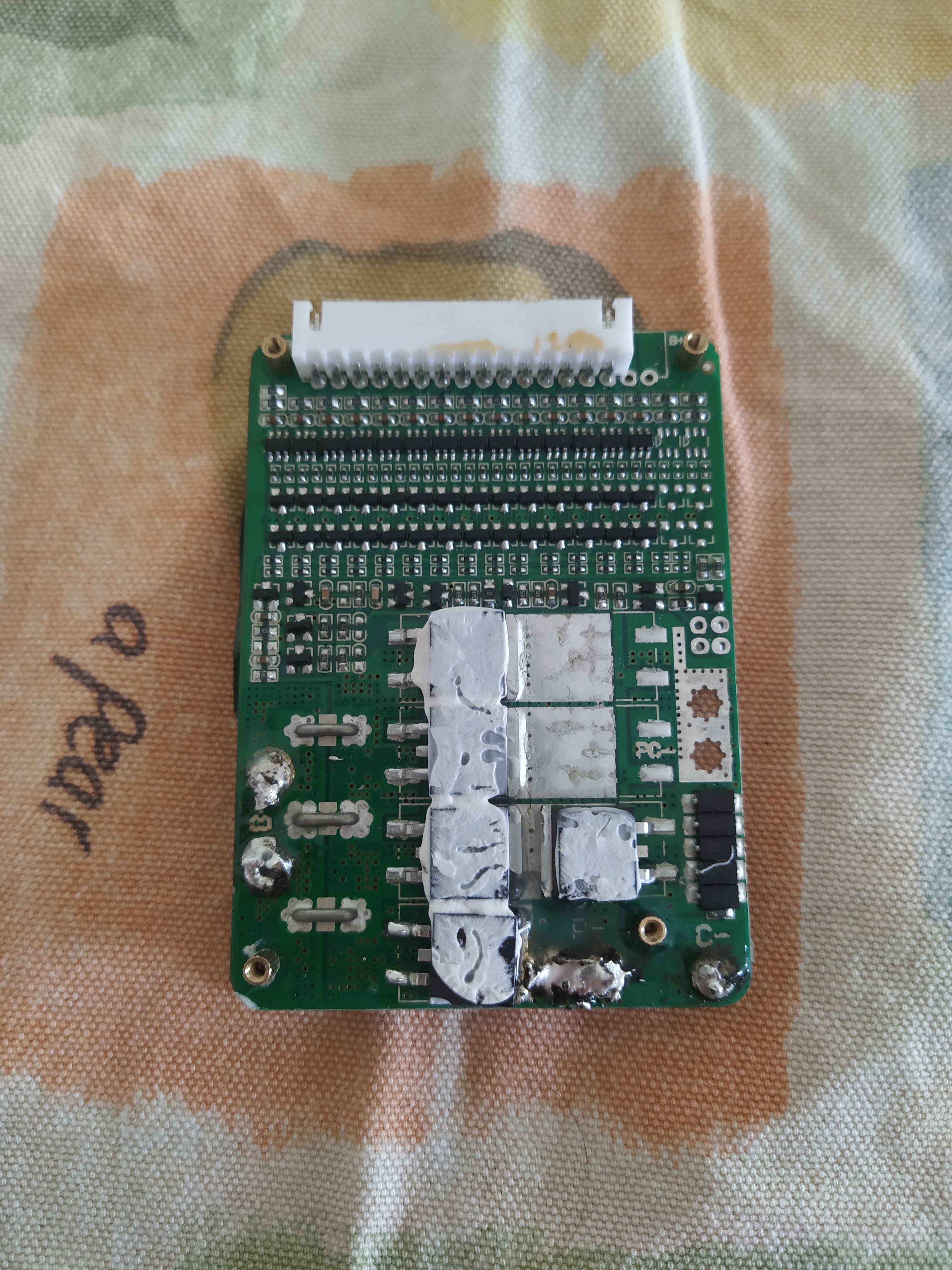
I have attached a picture of my BMS its off a 52v 23.4ah Battery. Is it okay to replace with this BMS : https://www.aliexpress.com/item/4000918077532.html?spm=a2g0o.productlist.0.0.487a1ad9GZEdh4&algo_pvid=feb84eea-9d87-478a-9631-e331f496dc2b&algo_expid=feb84eea-9d87-478a-9631-e331f496dc2b-7&btsid=0b0a555616036309462082158e4586&ws_ab_test=searchweb0_0,searchweb201602_,searchweb201603_ It does say on the description though "Balanced charging : NO" . Do i need one that is balanced charging?