FFFilip
Members
-
Joined
-
Last visited
Everything posted by FFFilip
-
Error E10 is that the controller does not communicate with S866 and it switches in P20, I have already done it only with this new S 866, I cannot switch to P20
-
Hi, I would like to ask if someone has met with this, I bought a new S 866 from aliexpress and I have such a problem in the setup menu I will only get from P1 to P16, I will not get to P20 to change the communication protocol. Before that, I had the same type, but the LCD Display broke when I fell on the e-bike. If you know how to get into the P20, I will be happy. I have an E 10 error
-
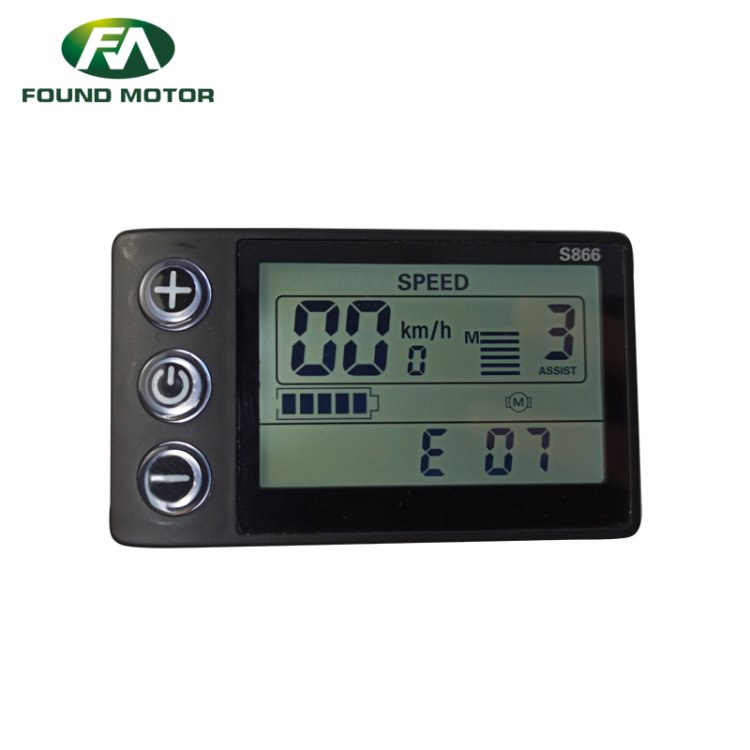
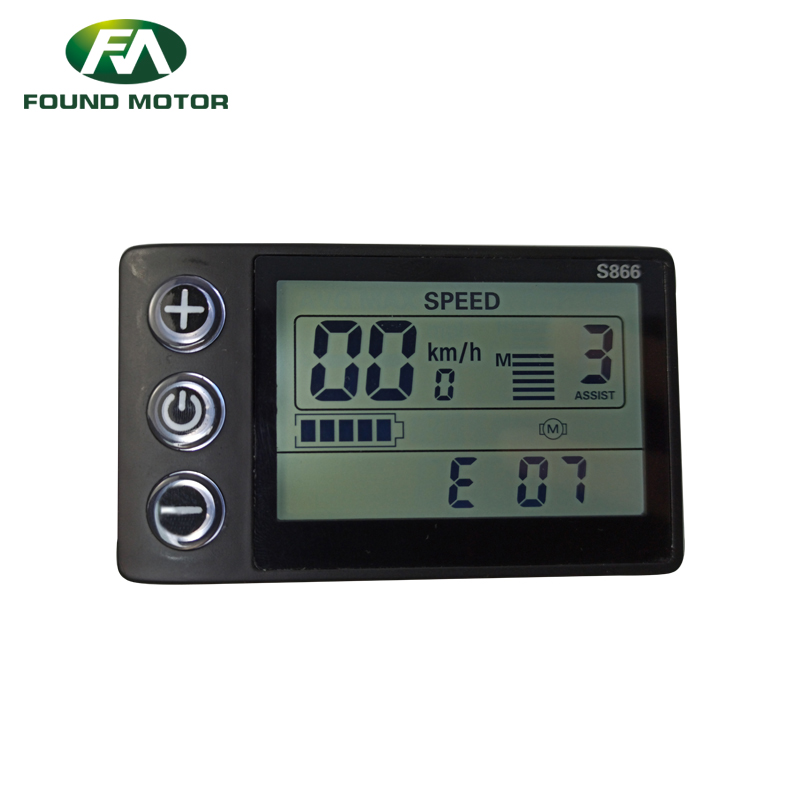
compare these two pictures and you will see a different view of the display
-
You don't get it wrong S866 is connected to the controller and there is no problem I just want the display to show me how you
-
hello I want to spy I have an LCD S866 but I have a different display in it I can switch to show me how you S866 lcd (3).pdf