Paul Garner
Members
-
Joined
-
Last visited
Everything posted by Paul Garner
-
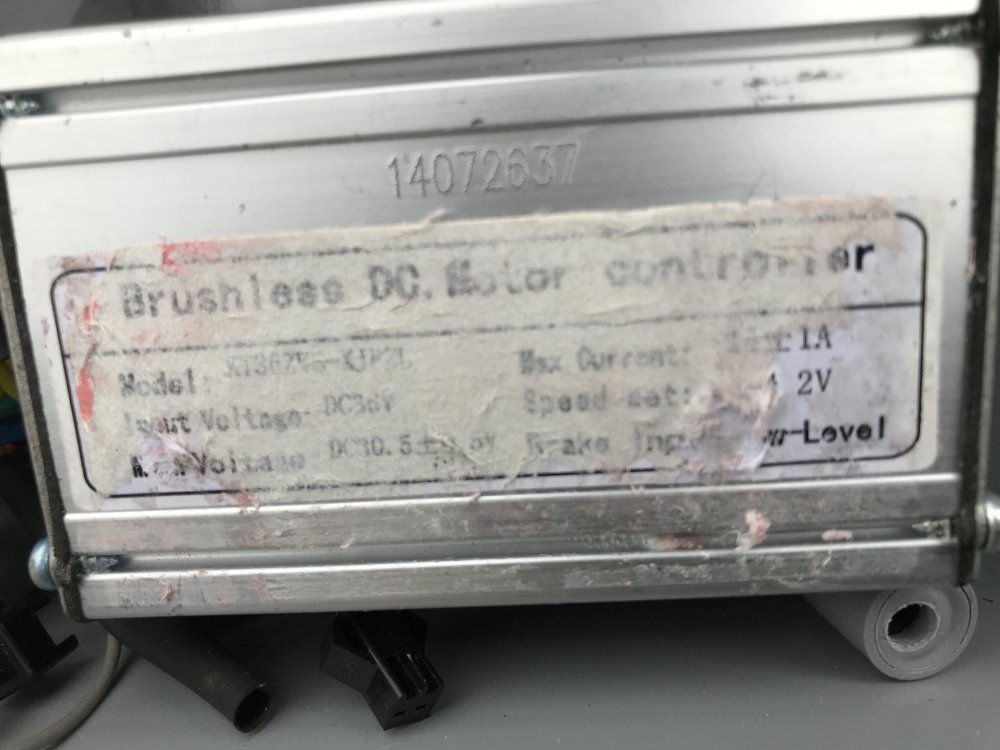
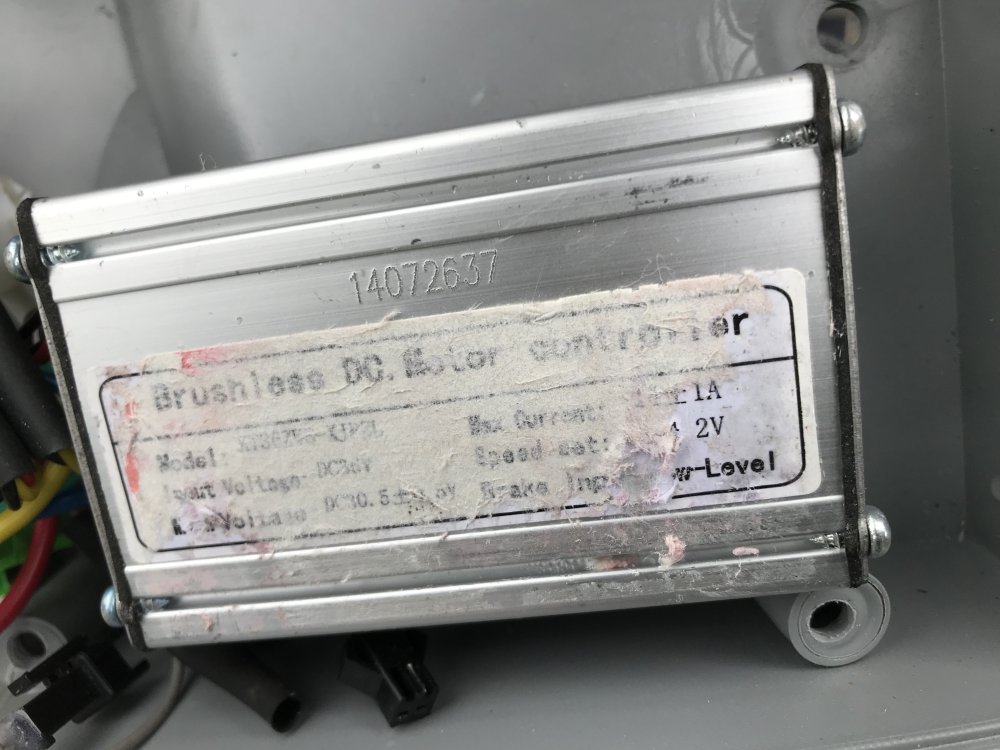
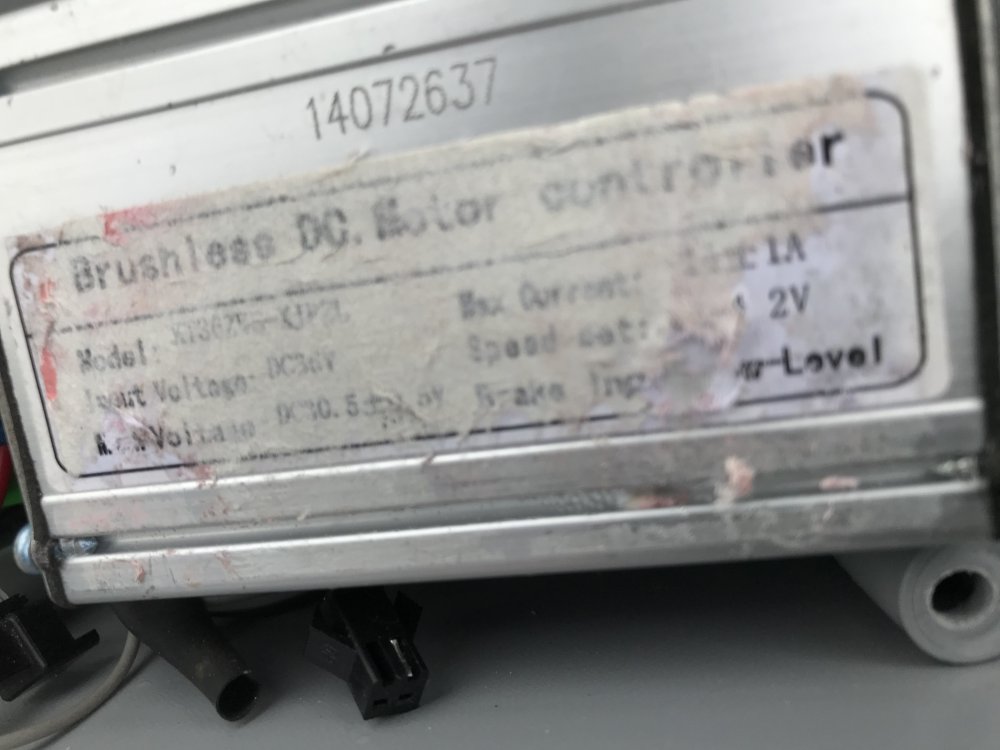
Sorry here’s pictures
-
Hi again. Sorry for delay please find poor picture as bottom label was starting destroy hope you can see enough
-
Thinking ab the lights perhaps the 790 model which has a separate light button?
-
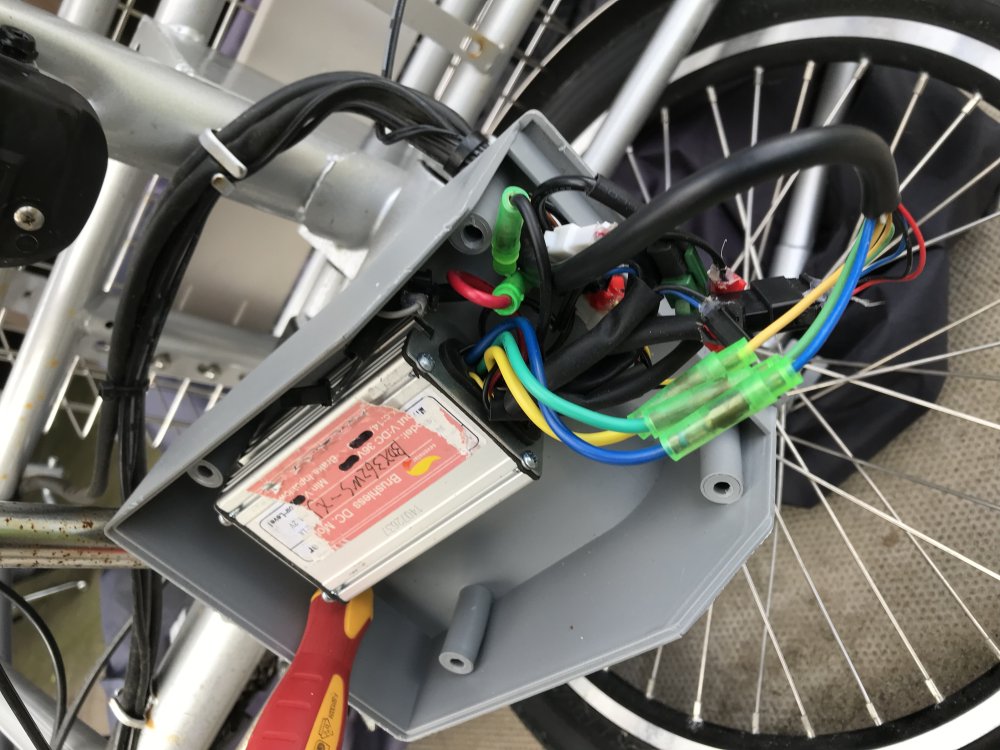
Hi again. More pictures also lights were controlled from panel I think if you kept pressing on/off button the lights came on? As you can see in one picture rear light is wired into controller.


-
Hi again. More pictures of the back of control panel.


-
Hi again. Here are more pictures?


-
Hi again. Is the label your talking about on the controller under the pinkish label?
-
Hi again is this picture any help?

-
Please find controller pictures as requested.


-
Hi again. Just to let you know bridging red and blue worked
-
Hi again. Please find pictures as requeste.


-
Hi again thanks for your reply,yes happy to do soldering no problem. Yes I am sure it’s the control panel that’s at fault. Did not know if spares for this trike were still available, but sent email to Batribike and they replied saying No Can you recommend any control panel ? Many thanks again. Regards Paul.
-
Hi can any one help? I have a Batribike trike 20 and need a new controller on/off battery level/assist level unit. Many thanks Regards Paul.