justinlterrell
Members
-
Joined
-
Last visited
-
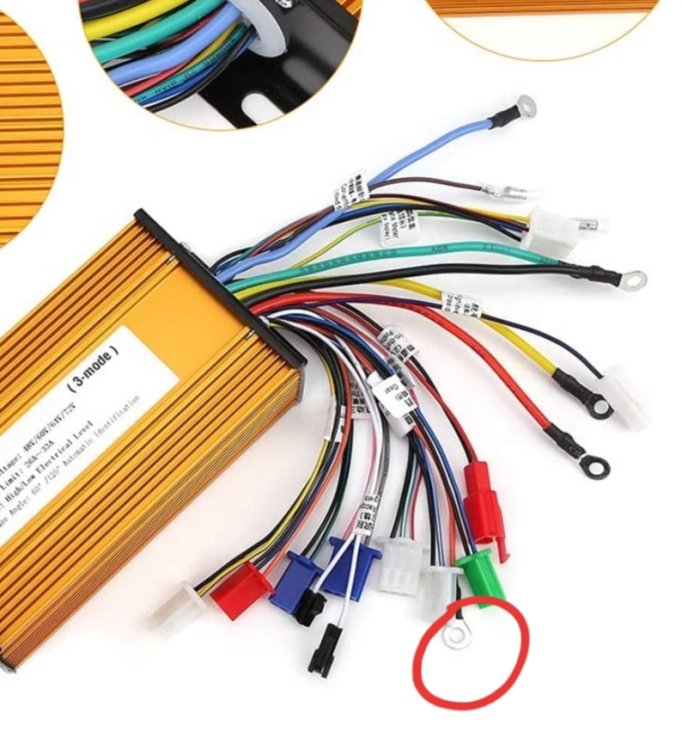
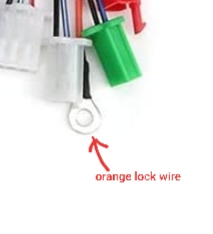
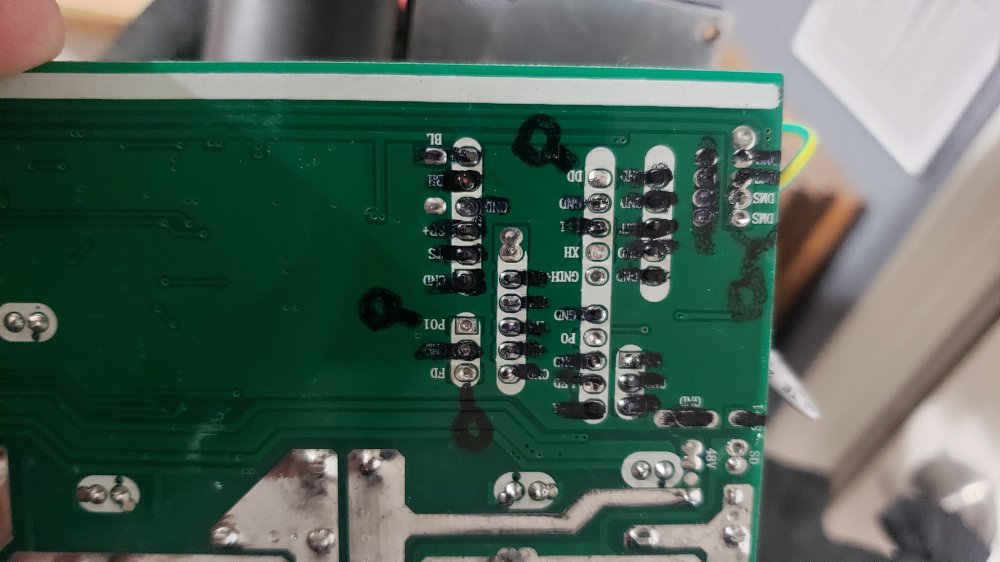
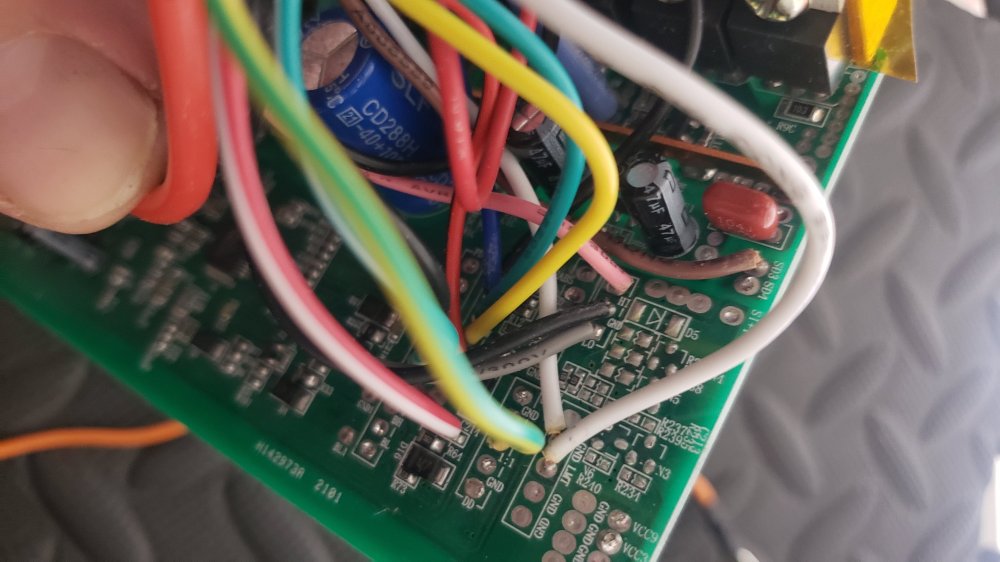
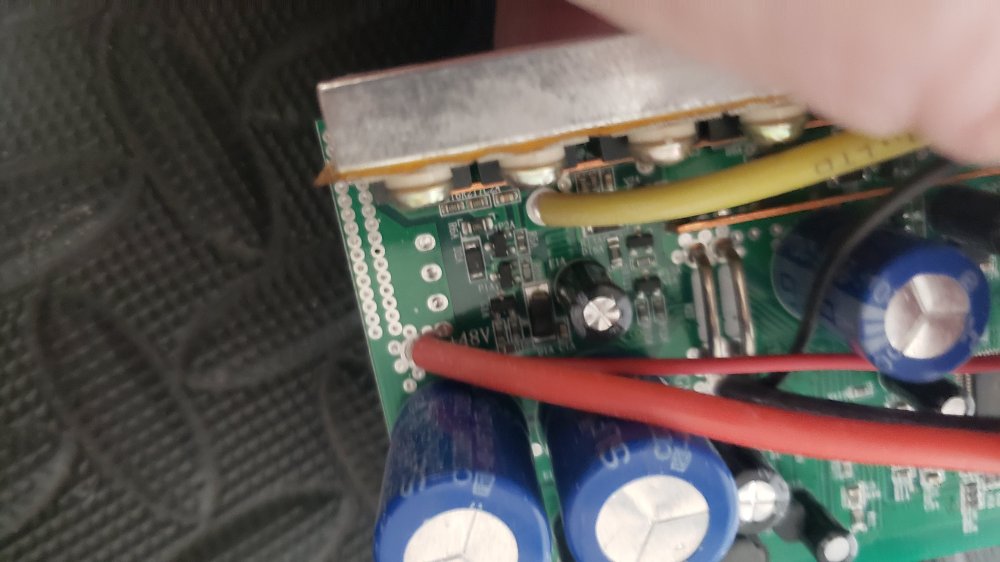
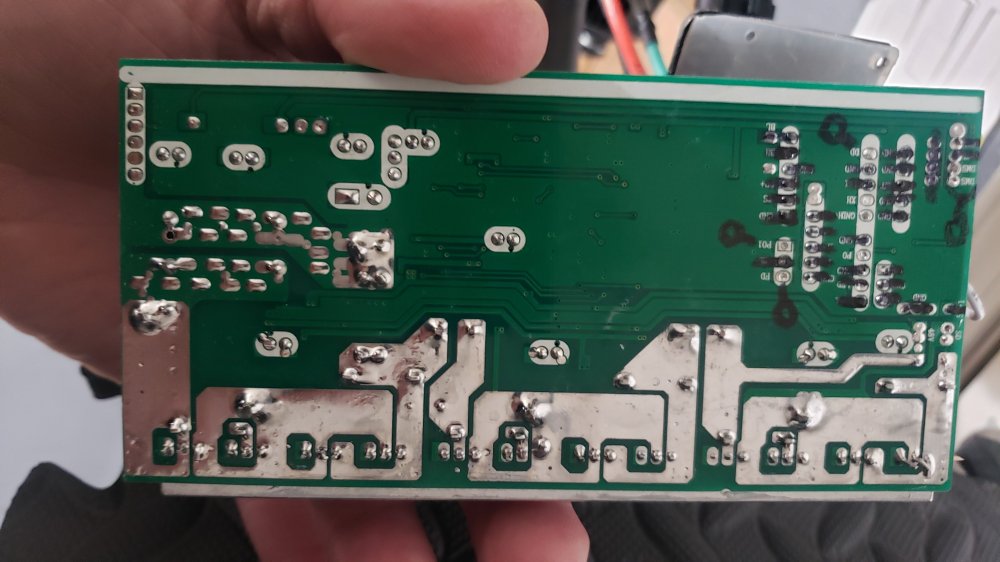
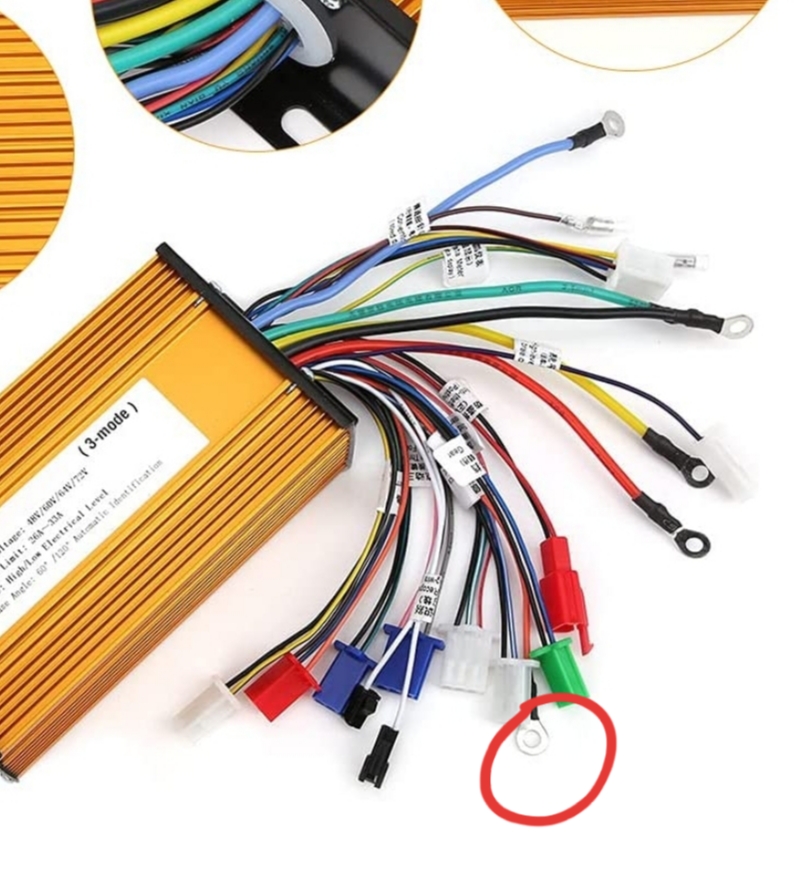
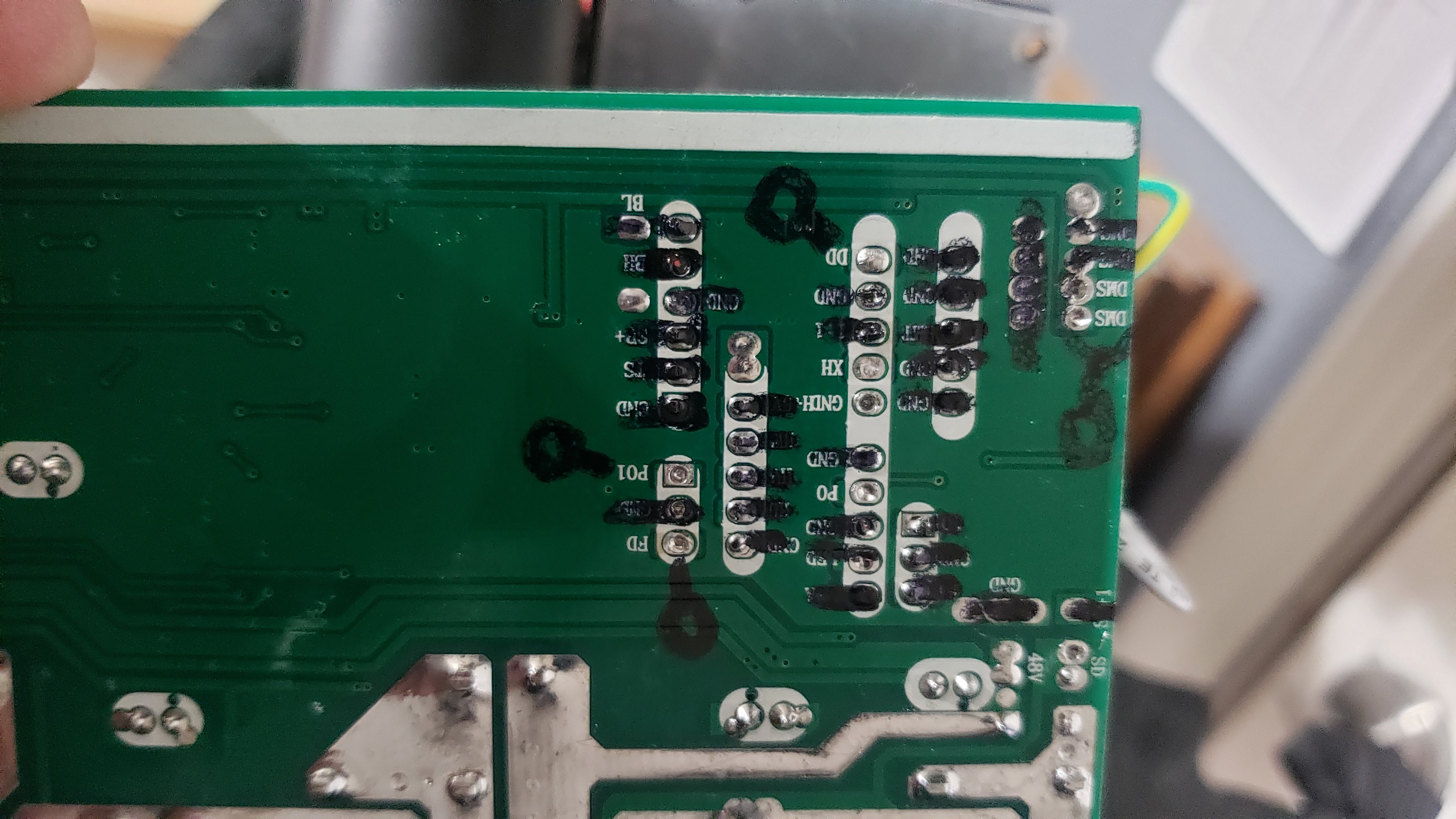
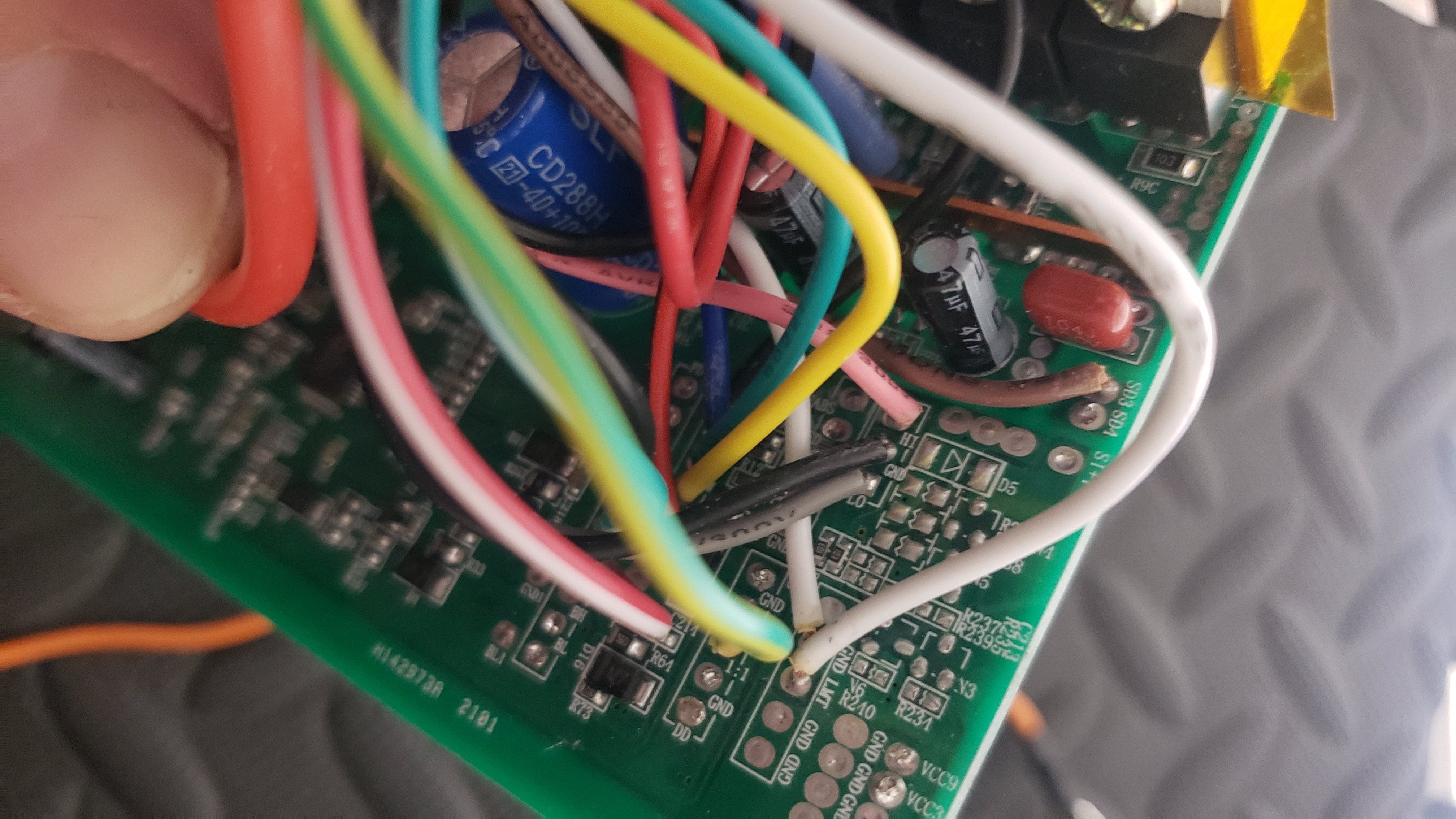
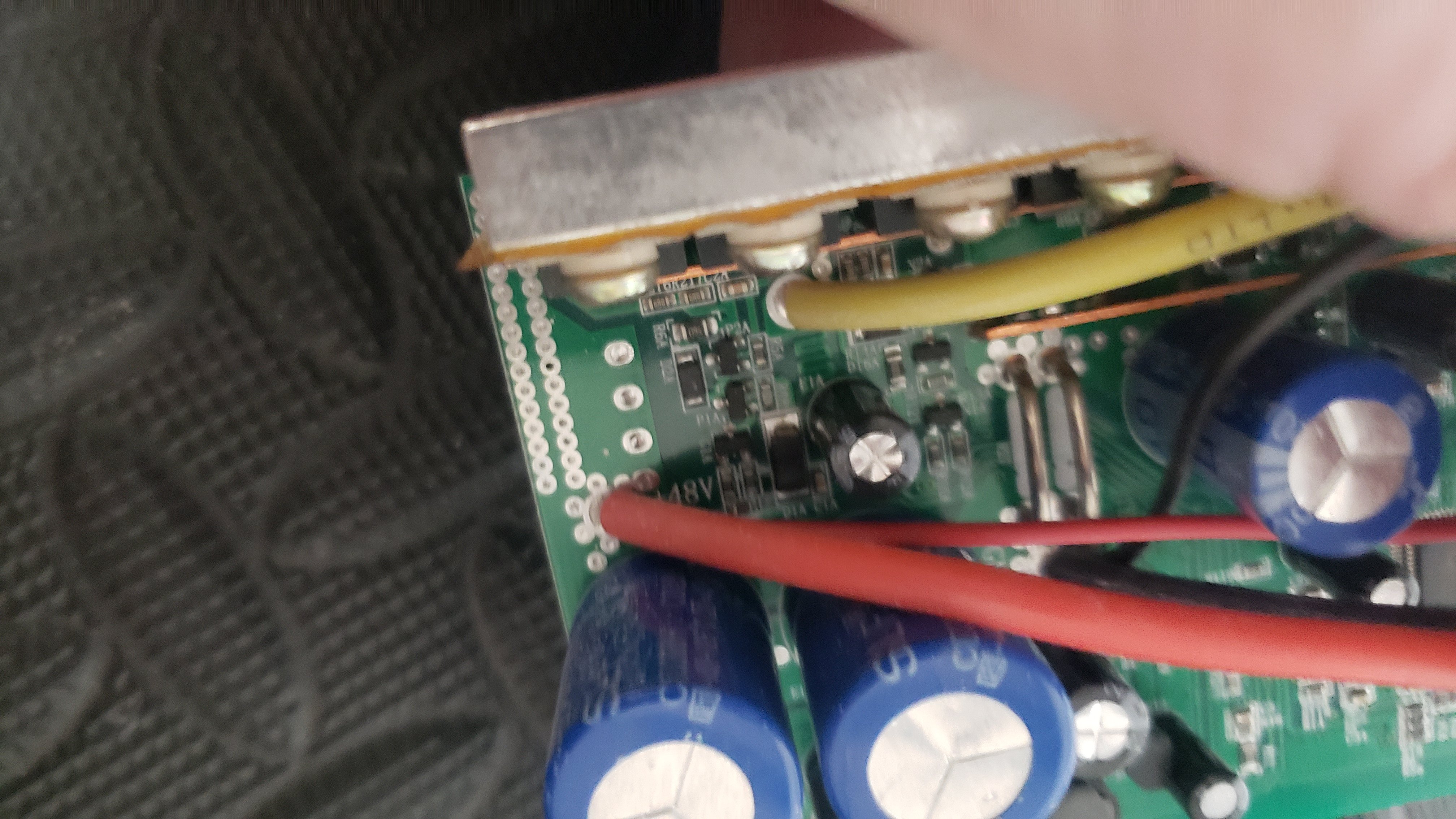
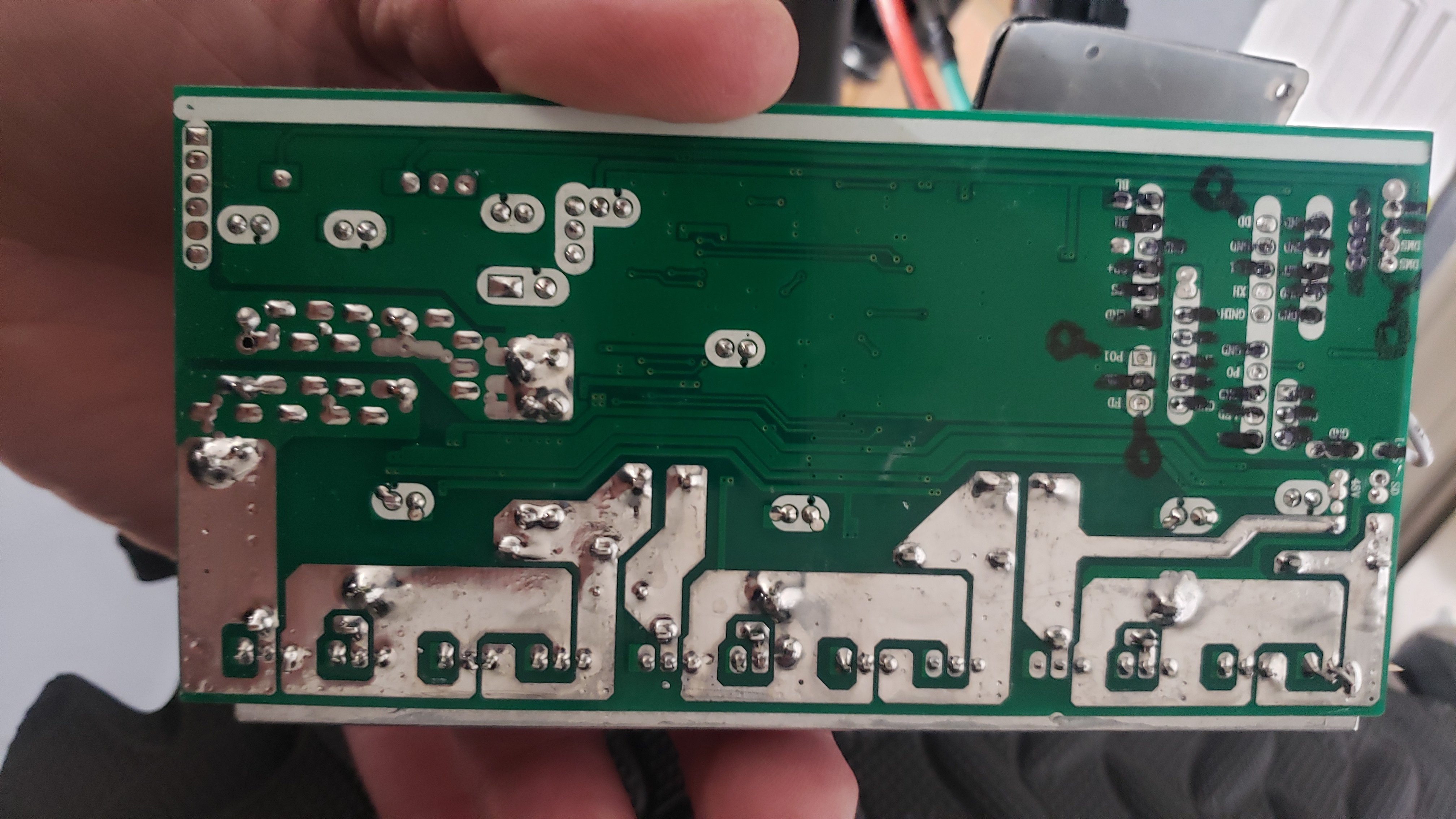
Im having a similar issue. Im rewiring a ebike controller and my dumb self assumed i didnt need a few of the wires, so i desoldered them from the controller...(one wire i took out labeled "electric door lock - must be connected). I swore i took pics of the wire removals just in case i needed to resolder them. I checked everywhere for the pics but to no avail. I usually always video or pic out my electronics assembly/disassembly. So now im in a pickle. Ive searched the internet for photos or anything to help me where this wire needs to be located on the board. Can anyone help? Heres some pics. The orange wire is what needs to be resoldered and connected. It say it needs to be connected to voltage but do i just connect the door lock wire directly to the battery? 60v battery? Any help would be great. This site is the closest ive found to any kind of answer.... The marker marks where i think it may or may not be, but not 100%.