-
Thank you saneagle,the thing is that even if I manage to remove the pins,the number would still be 13,I don’t know which ones I should keep,the actual connector has 13
-
Hello everyone, I am having this battery pack (50 Cells 3500mah 3.7v) it used to be on a Zoomo and the type is Reention. I got it from someone that claims that stopped charging/working, using the multimeter it still shows 36.7V and I suspect the BMS would be faulty, I have removed the BMS from it and I would like to order a new generic one from somewhere,but I would like to use the same connector that already exists,just to make my life a little bit easier,the only problem is that the connector I have has 13 pins(13s) and everywhere I search for the 36v BMS ,it seems to be 10S connector. Would someone be kind to help me out with some advice,also…beside the bms connector there are 2 thin black cables,they were soldered on the previous pcb bms,under NTC circuit ,I assume that this would mean Negative Temperature Coefficient. But I don’t know where this ones would need to be connected on the new bms. I have some pictures to make it more easy to figure things out. Thank you in advance. The last two pictures are from the existent BMS.


-
Sir,thank you!
-
Hello all,I strongly believe there is an issue with my cable 1T4,i want to split it and make the connections myself,does anyone knows the wiring diagram by any change? 8 pins julet(like the one in the picture to 4( display,brakes and throttle)


-
Doesn’t look anything suspicious with the 1t4,but i will try with a different one,i’ll order and see what is the outcome.thank you
-
I was thinking on this,my previous controller was lishui,but they used the same connecting cable(1t4) I’m thinking that this are universal.
-
There is no way for me to make it showing the bars and the speed,i tried so many different settings. It shows that is empy and no speed meter/distance recordings.
-
It am using a 1t4 cable that was already used on the bike previously,is there any chance that there would a incompatibility between the cable and the controller? Thanks alot.
-
The controller is Kt36/48zwsrd and the display is kt-lcd9r,i suspected the same thing but apparently the voltage should read automatically,without any setting on my side. I allready tried to change the seetings gor P5 without any luck,and if there would be a PAS sensor issue(with connection) I believe it shouldn’t affect the battery indicator,or the readings?
-
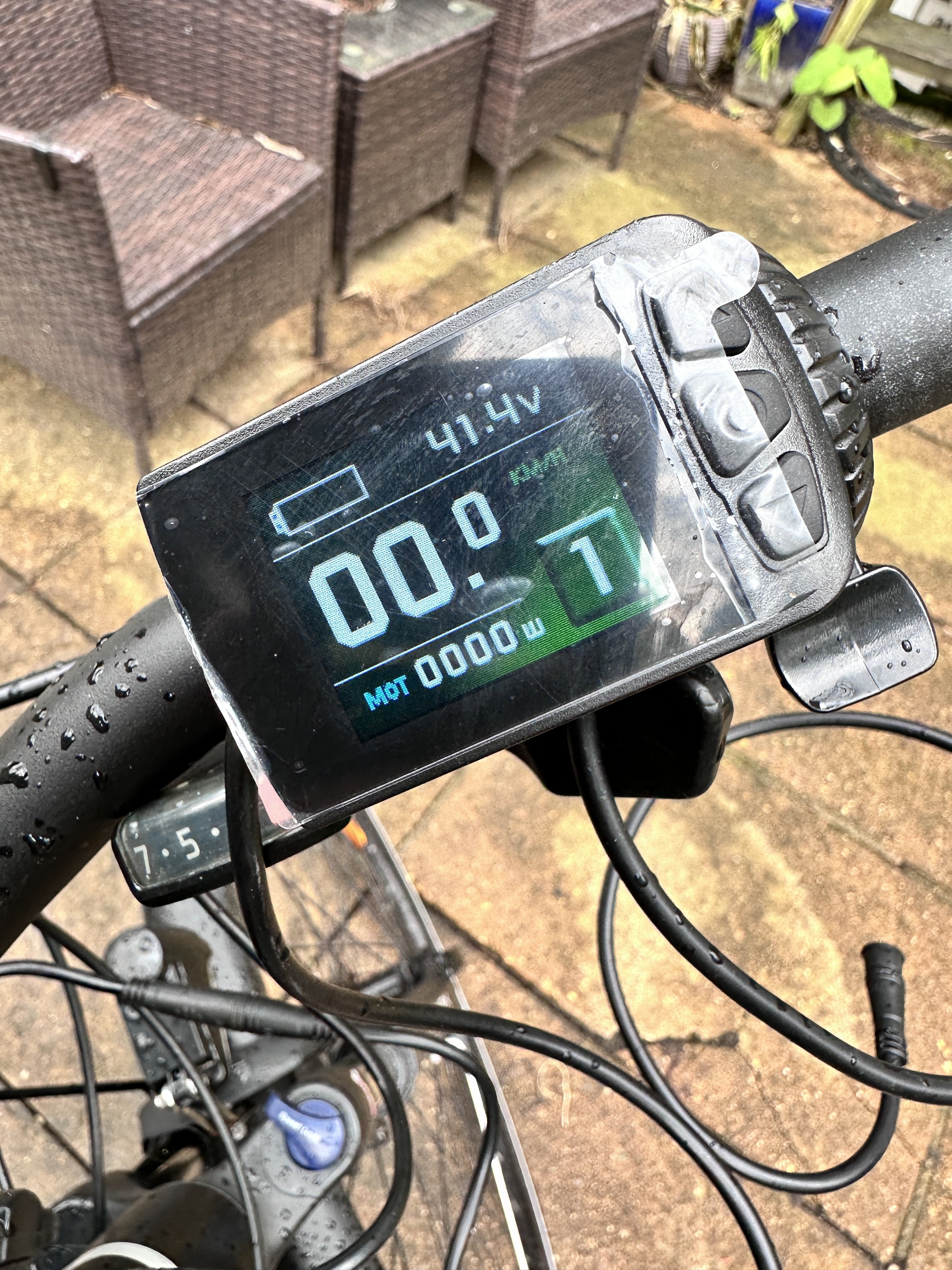
Hello all just coming back after replacing the controller and the display and unfortunately i am facing another issue,the display is not showing the battery meter/distance or speed,the voltage reading works,as you can see in the attached picture,the motors works well also,for every level(1 to 5),it just missing all the values.any suggestions for settings or what should i check? Thanks in advance.

-
Thank you thelarkbox and saneagle for suggestions,i will try my best.
-
Thank you so much, i think is better to choose for a new controller and display. Any recommendations? Thanks alot
-
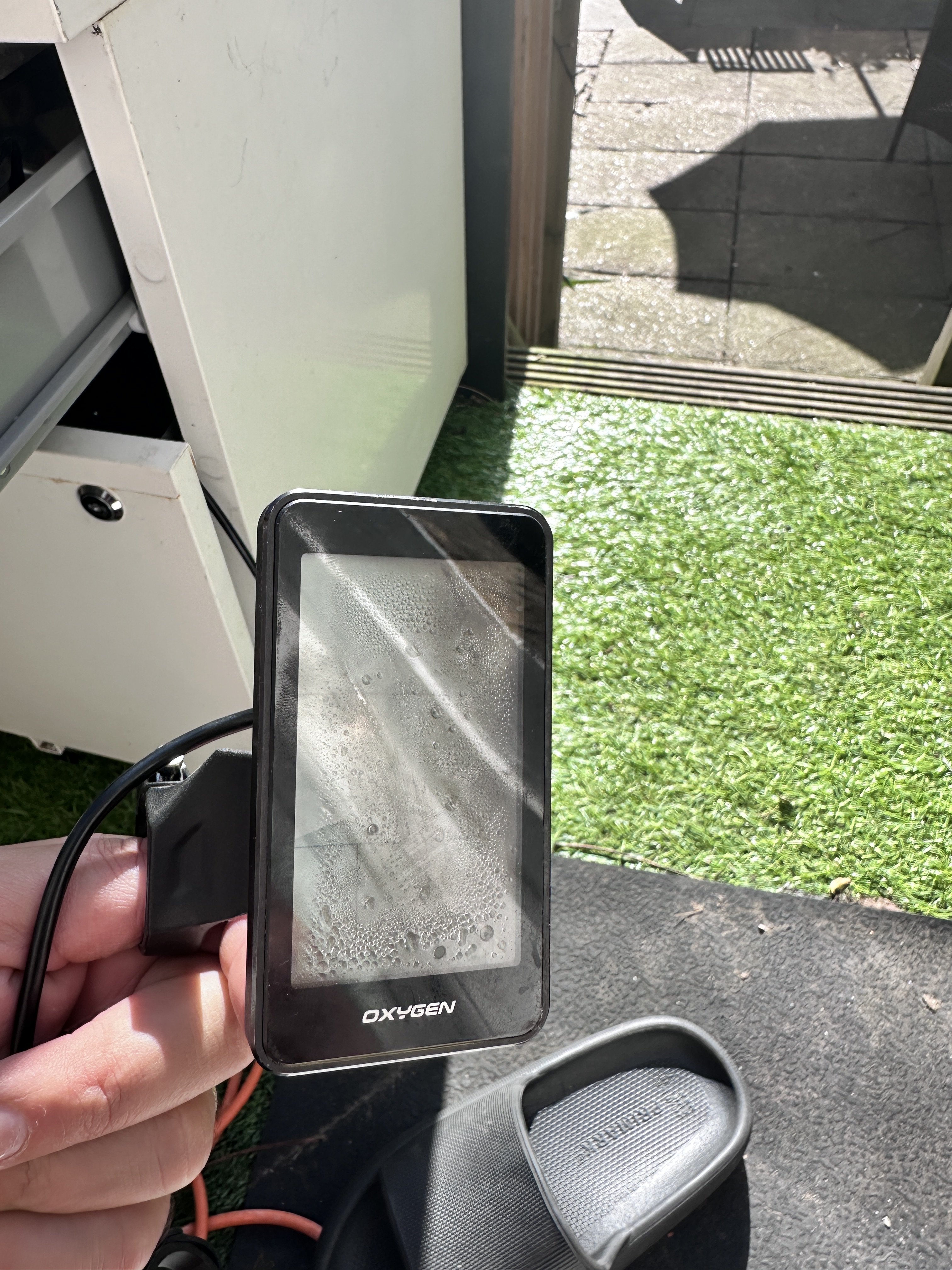
Hello all,would you be able to help with an advice for a compatible display for this bike,not sure what is the controller type, and the screen is water damaged and i would like to buy something to replace it. Thank you in advance. I attach a picture of the code,hopefully i’ll find out what protocol uses.


-
Dear all,would it happen to know what model/type is the controller? My display is water damaged and i would to buy something that would work? Thanks in advance