Pashleyrider
Members
-
Joined
-
Last visited
Everything posted by Pashleyrider
-
-
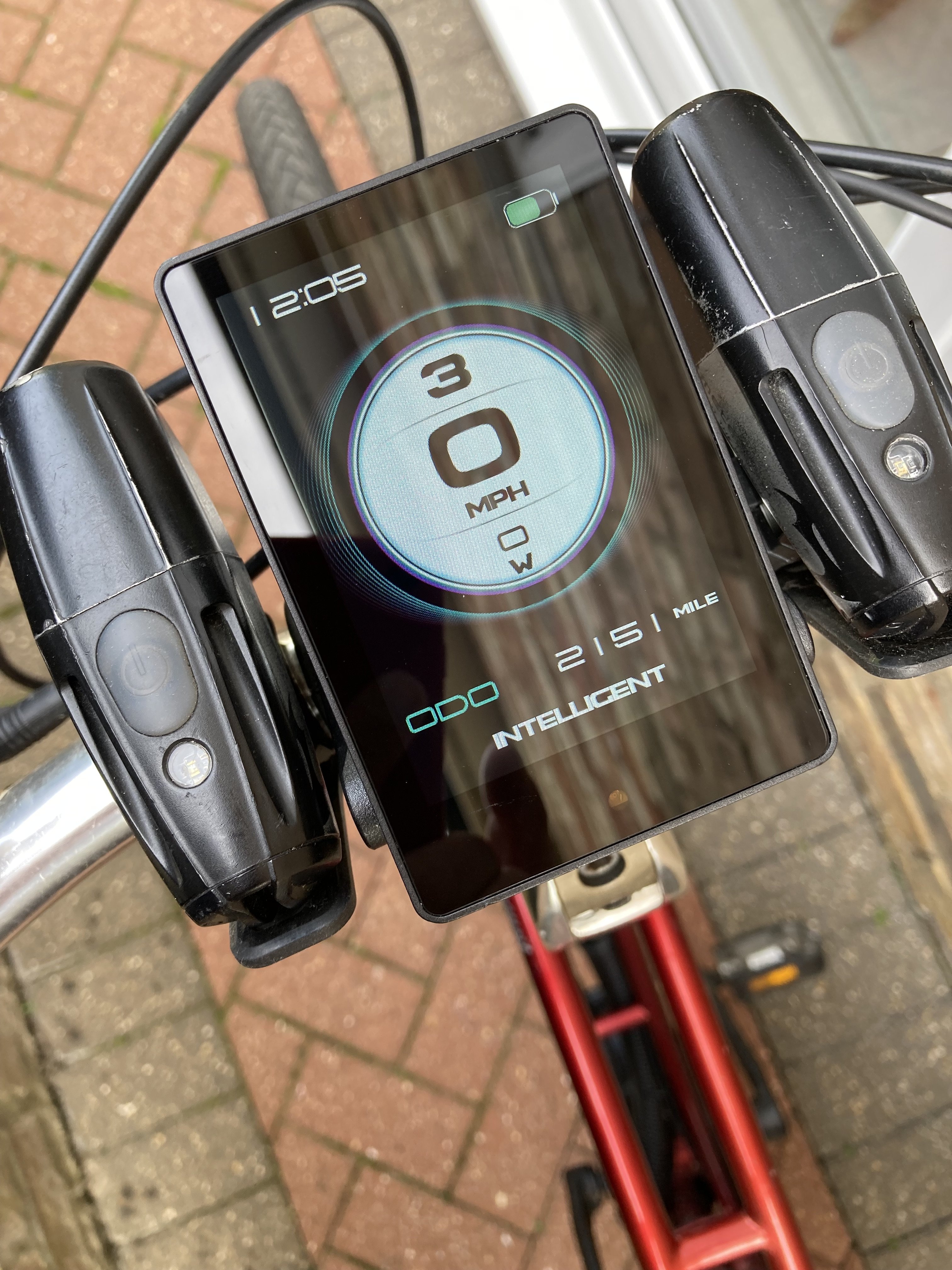
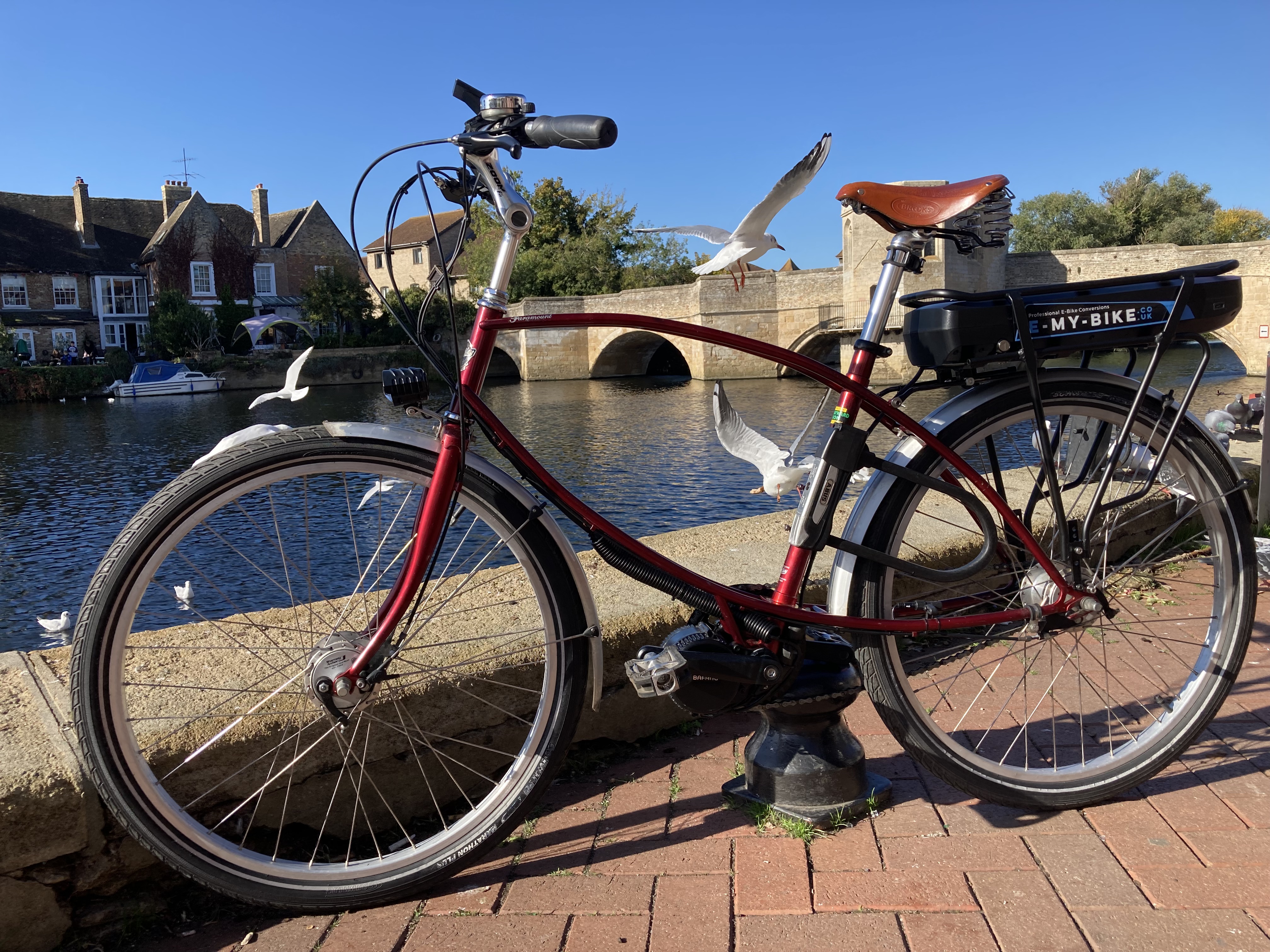
Hello! New member, but a convert to ebikes. Following a back injury, I had my Pashley Paramount fitted with electric assist and rack-mounted 36V 250W battery. I'm very pleased with it. I've completed 100 hours of cycling (1250 miles), mostly commuting (Cambridgeshire, flat) and a little bit of touring (Isle of Wight, steep hills) before writing this review. The Paramount (which I originally bought from Ben Hayward in Cambridge, in the early 2000s, is an older version of the current Tube Rider and Parabike models) is a heavy bike. When I ride it, with panniers, the electric motor and rack-mounted battery make it heavier still but the double-looped steel frame seems to have strength and rigidity to cope with the load. If there is a weakness, the transmission of power can cause the chain to stretch. It still turns on the original Sturmey Archer XRD-5 gear hub; but I had to have it stripped down and have some of the internals replaced, which I should have done before the conversion, although the gears were 18 years old before I had the motor fitted so I have no complaints. The additional torque means that I've learnt a more sympathetic way of riding the Sturmey Archer and have better forward-planning for gear changes, which are best attempted without pedalling.