Brentbill
Members
-
Joined
-
Last visited
-
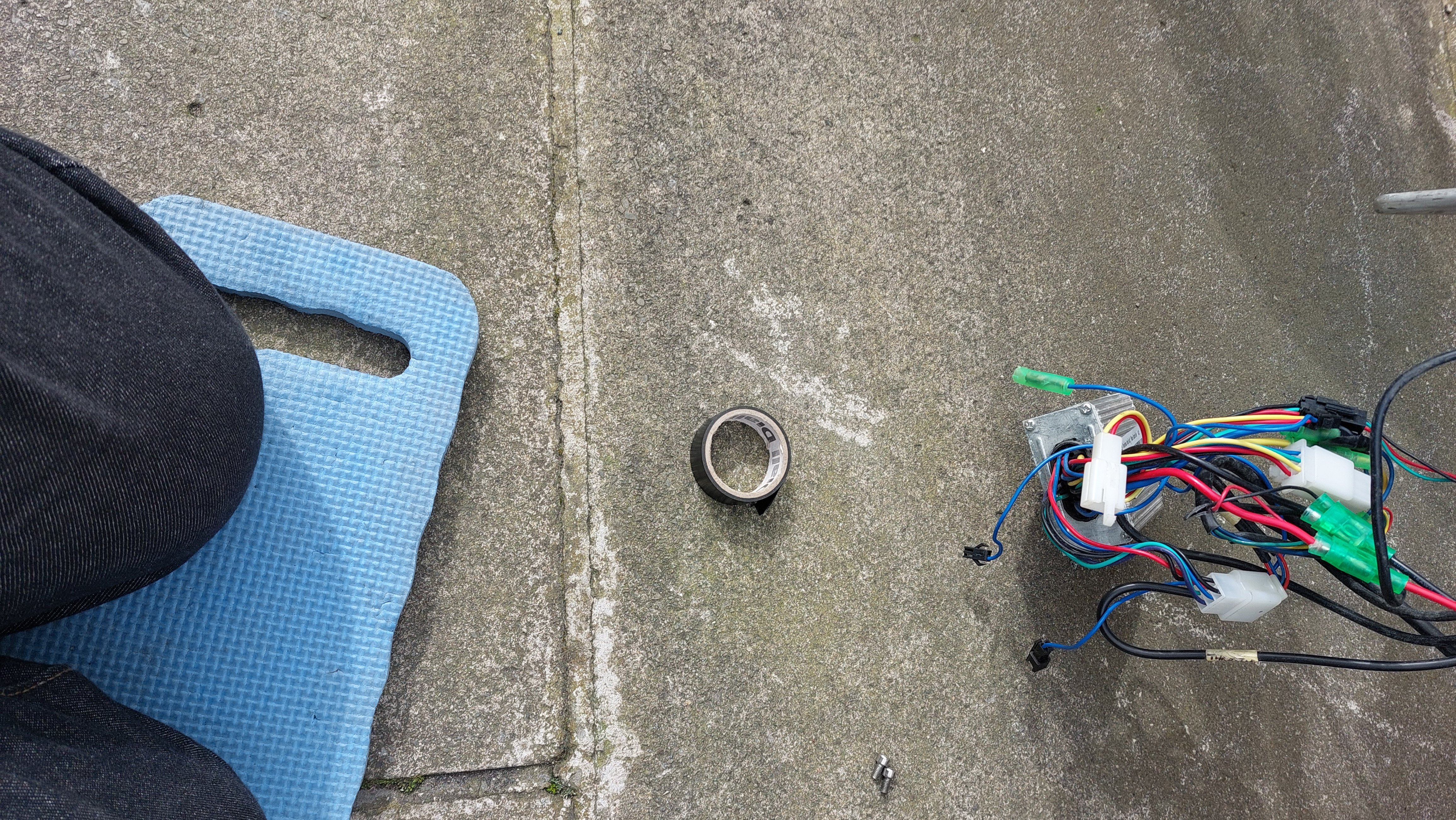
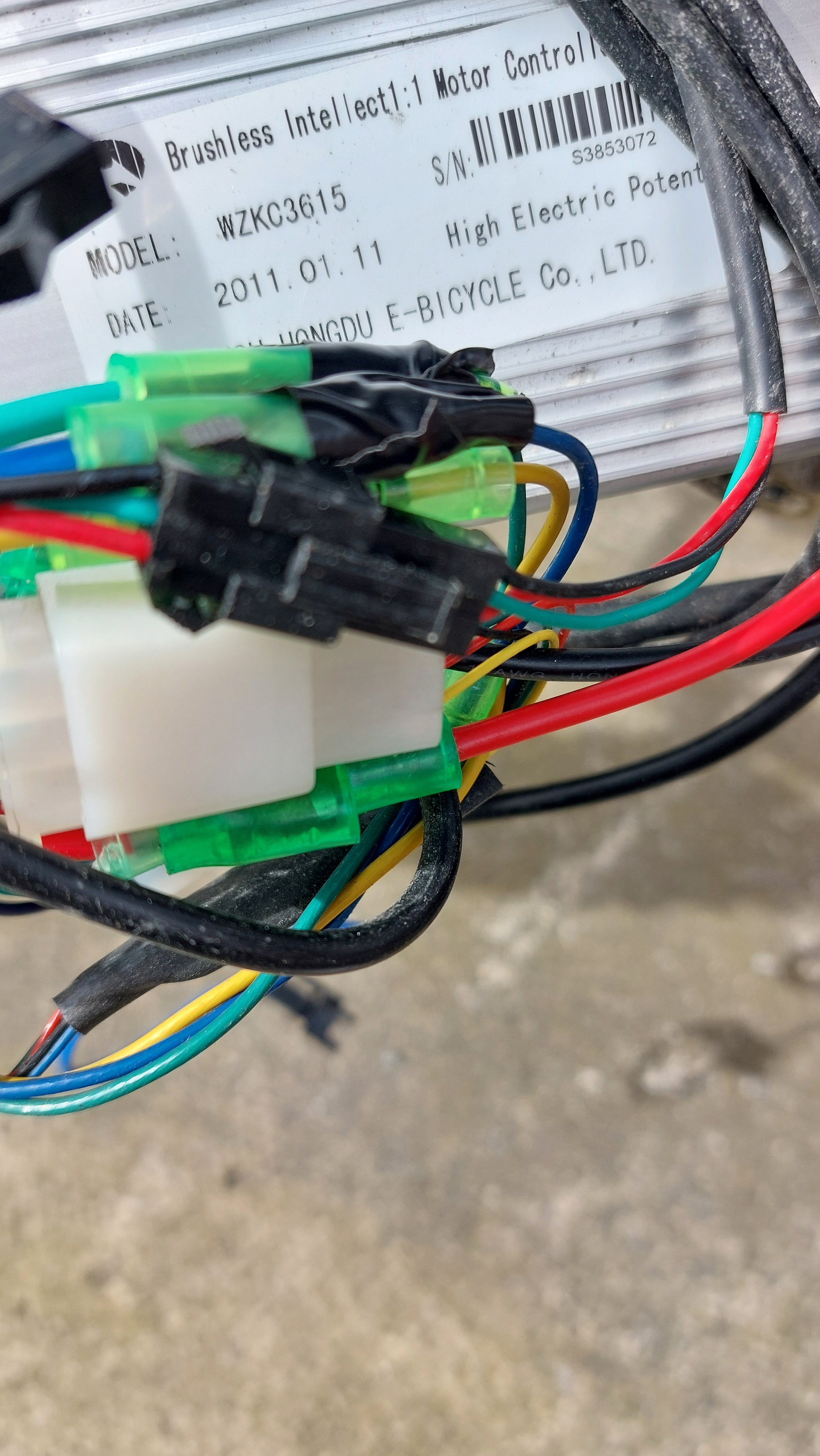
Have now got pics of the controller and there are several unconnected wires. Any ideas please


-
Thanks for that you've been most helpful I'll have a look at the controller. If I get stuck I'll post a photo. Thanks again.
-
I'll probably do that eventually but in the meantime could I wire in a switch on the handlebar to switch off/on the motor without having to use the key on the move. I'm thinking a switch across a brake switch but would appreciate any advice/suggestions.
-
Are we talking just a display/button unit or that and a controller
-
I have recently acquired the above bike fitted with a basic display of battery state. Single power pedal assist and throttle both live when battery switched on. Is it possible to upgrade to a variable assist or at least the ability to turn off the motor without having to turn off the battery key. Any ideas please