reeso3000
Members
-
Joined
-
Last visited
-
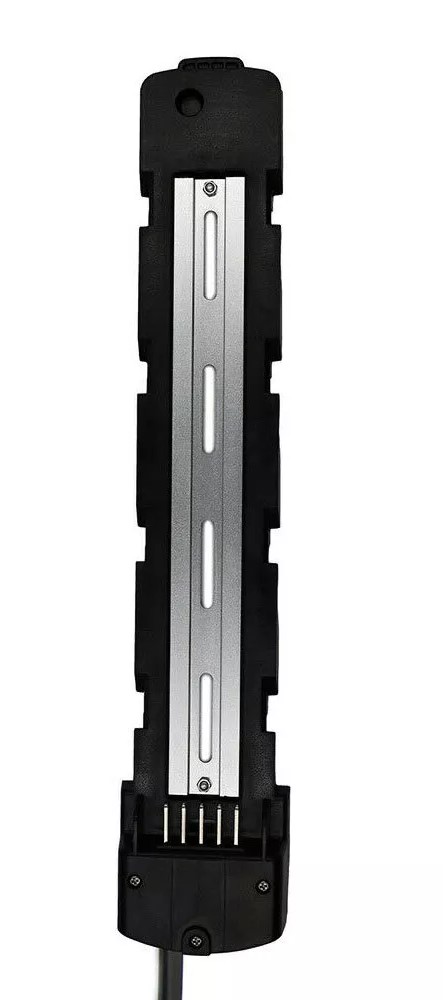
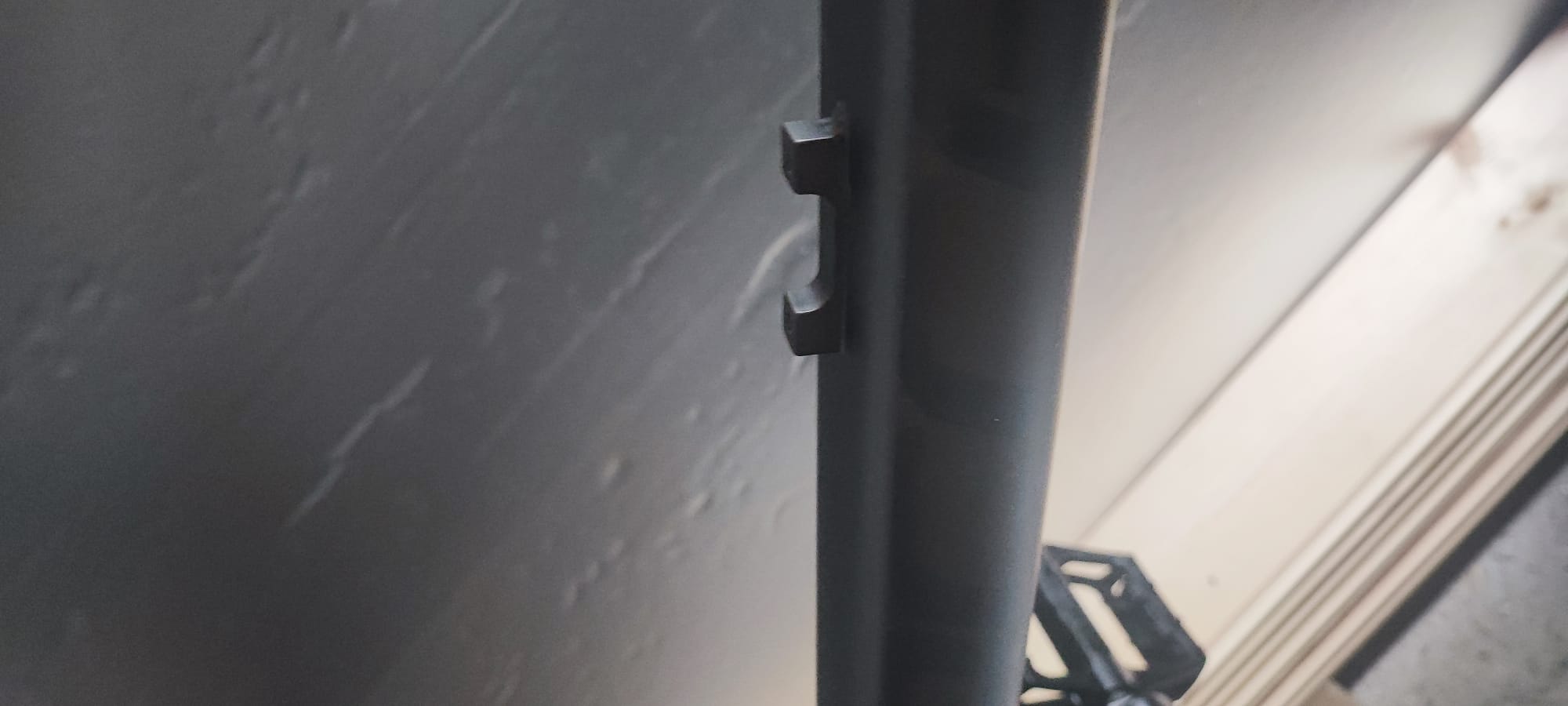
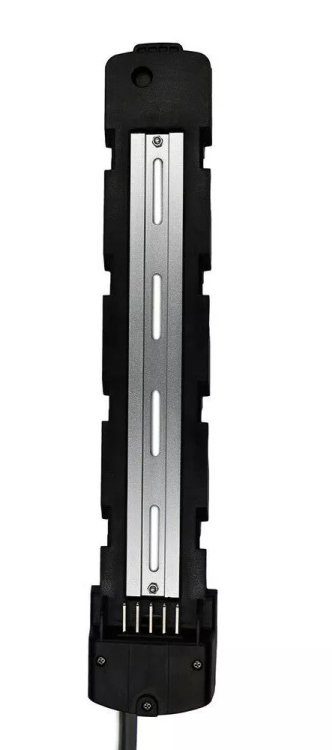
Yikes is right!! I am not home to take some pics but found this online. I have circled where those studs are on the frame. The second pic is similar to the new bracket I will be fitting (currently on its way from Germany)
.jpg.20553ae40561c8117d2beb10ccc2d5f4.jpg)
-
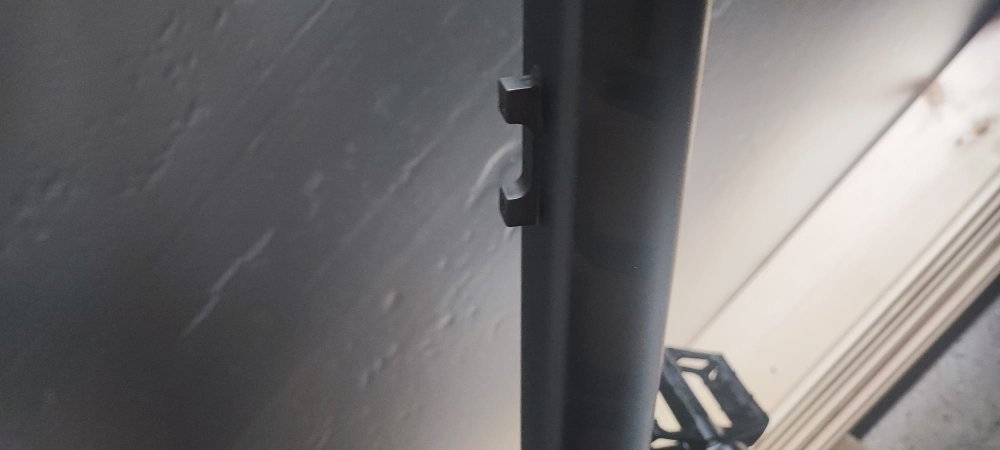
I have been upgrading a subway ebike and have successfully replaced the lcd, controller and pas - bike works fine with the stock battery hooked up to the controller. The issue is the bms on the battery is fried so rather than buy a generic BMS and charger I decided to upgrade the battery. I have ordered a 20ah 48v hailong "parrot" - I opted for it due to the battery plate on this model. Anyway I removed the existing holder to find two raised "studs" for the holder to screw into (As show in the picture). My question is does anyone have any experience fitting a hailong onto the subway and if so how did you get around this? Would I compromise the frame in anyway if I was to grind down the "studs" so its flush? Thanks in adavance!