carljacks
Members
-
Joined
-
Last visited
Everything posted by carljacks
-
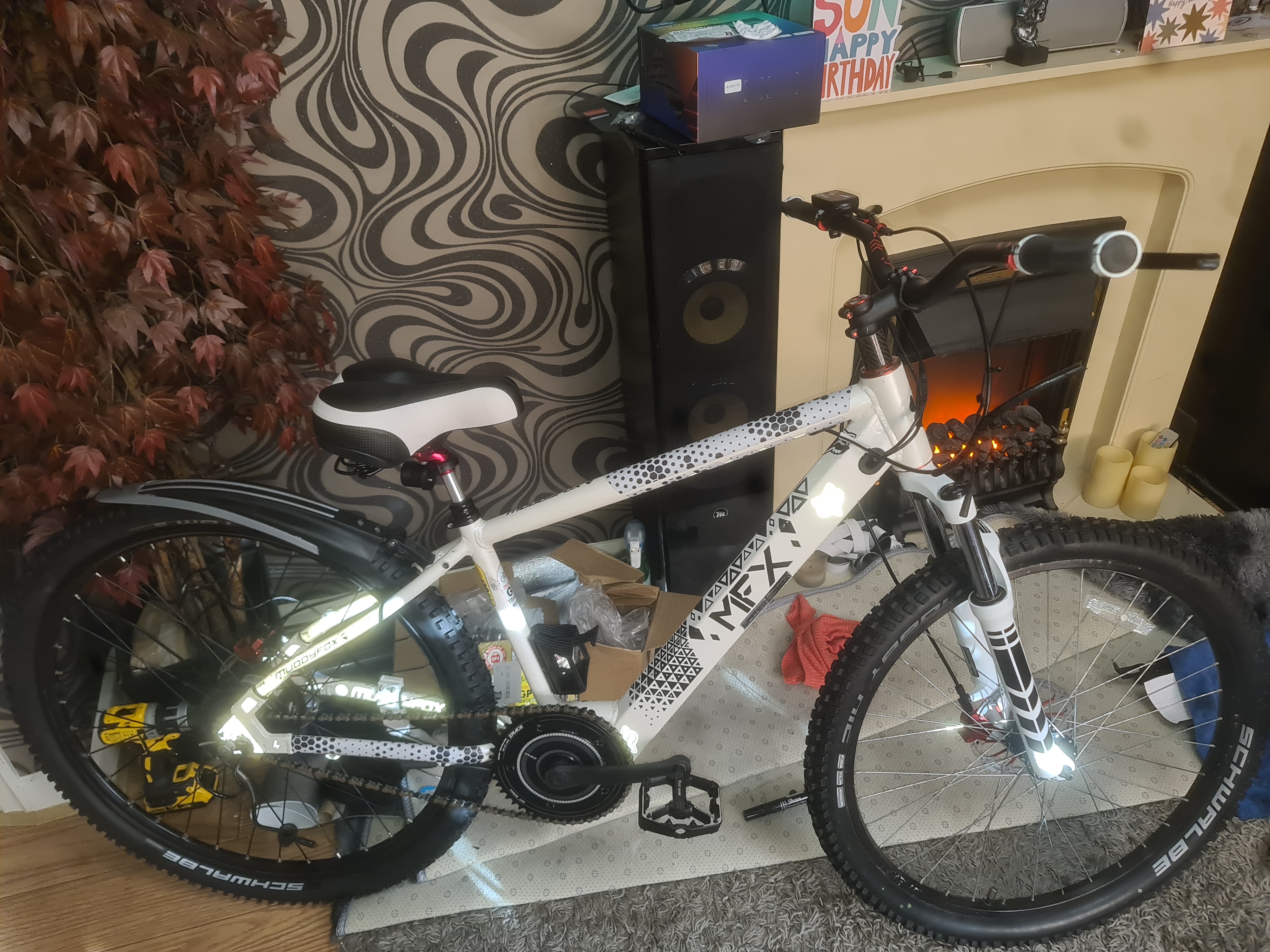
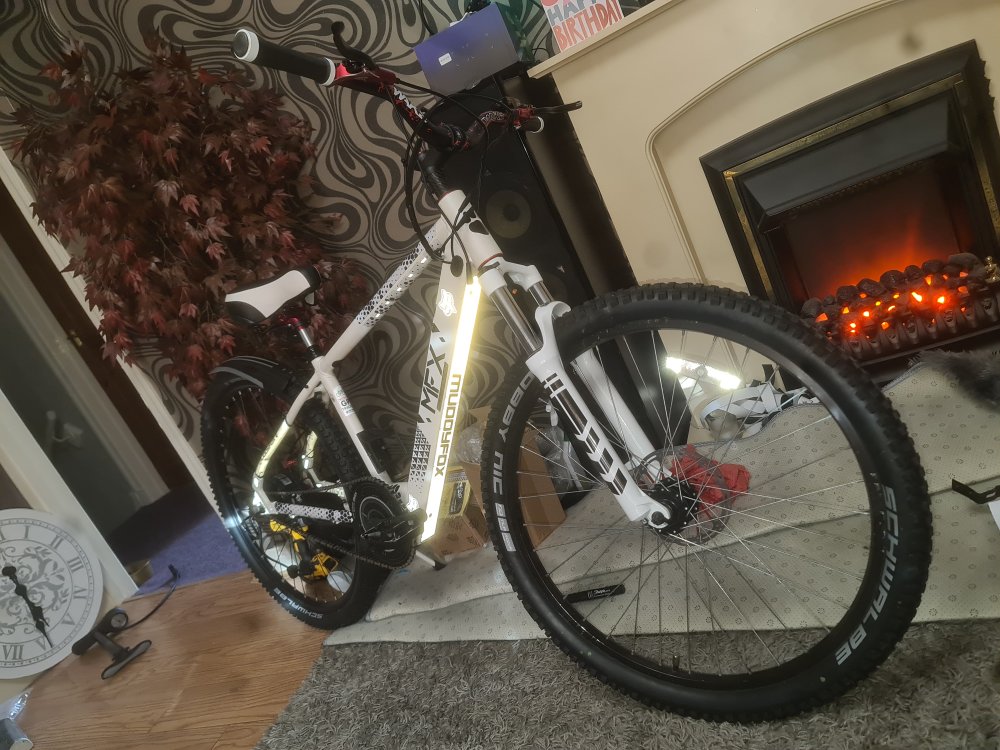
Hi thanks for your advice I think I'll try that then I think that's the same amps and I'm sure I can buy the right cable he was gutted when we couldn't get the throttle working it was a wreck when I got it and we have added bits cheap off temu and built it back up I think he appreciates it more having built it than just being bought it out right and I've enjoyed doing it with him and it's virtually done now the throttle would be the icing on the cake


-
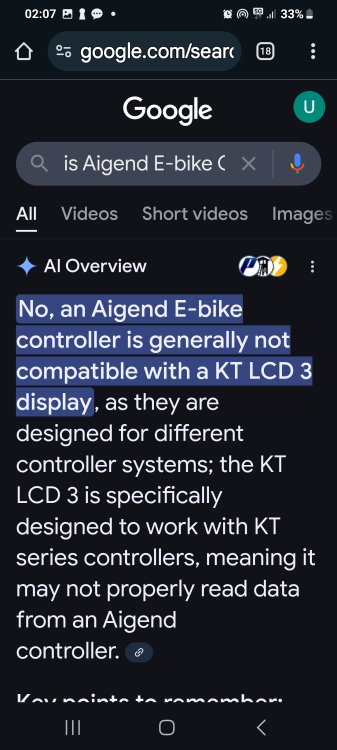
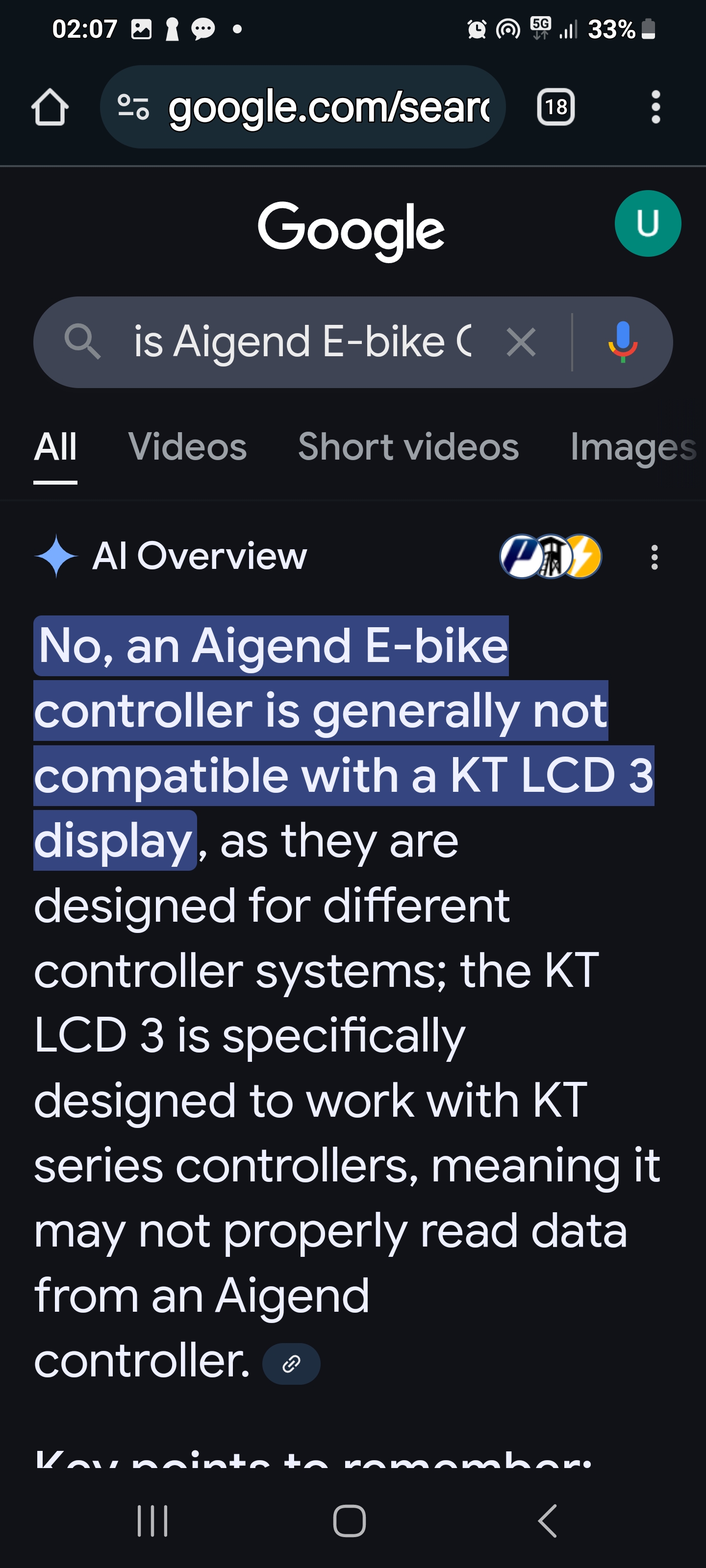
Hi there I have a electric avenue I bought for my son and I seen your post and seem to have made the same mistakes as you lol I got a kt controller and the kt lcd3 and thumb throttle couldn't get them to work then got the kt lcd 5 same outcome and come to the conclusion I think the controller amps was higher than the battery amps so I don't think the battery could run the controller and I couldn't find a kt controller to match amps so I gave up and went back to the original but you seem to have figured it out can you please confirm that the aigend controller you linked works with the kt lcd3 because I googled the compatibility and it says it won't work any help would be appreciated thanks