KaKaUK
Members
-
Joined
-
Last visited
Everything posted by KaKaUK
-
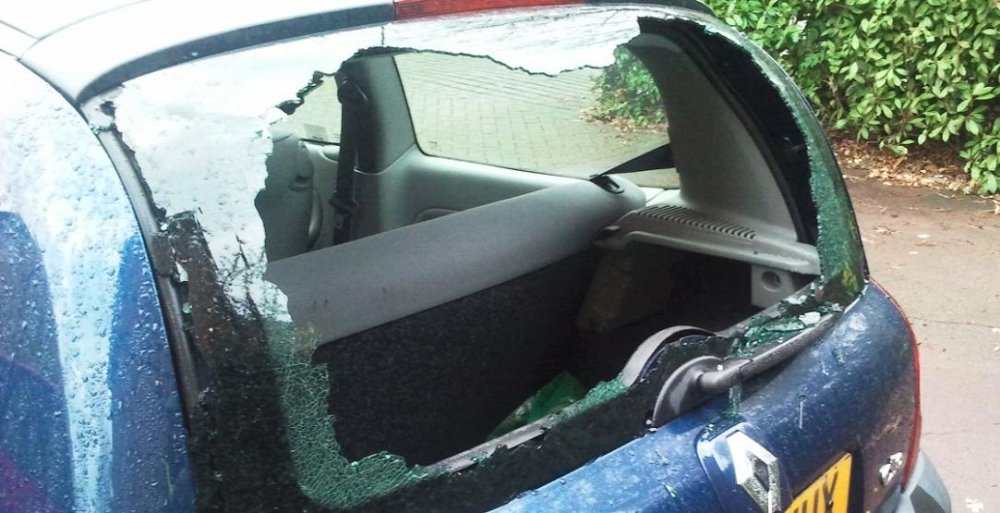
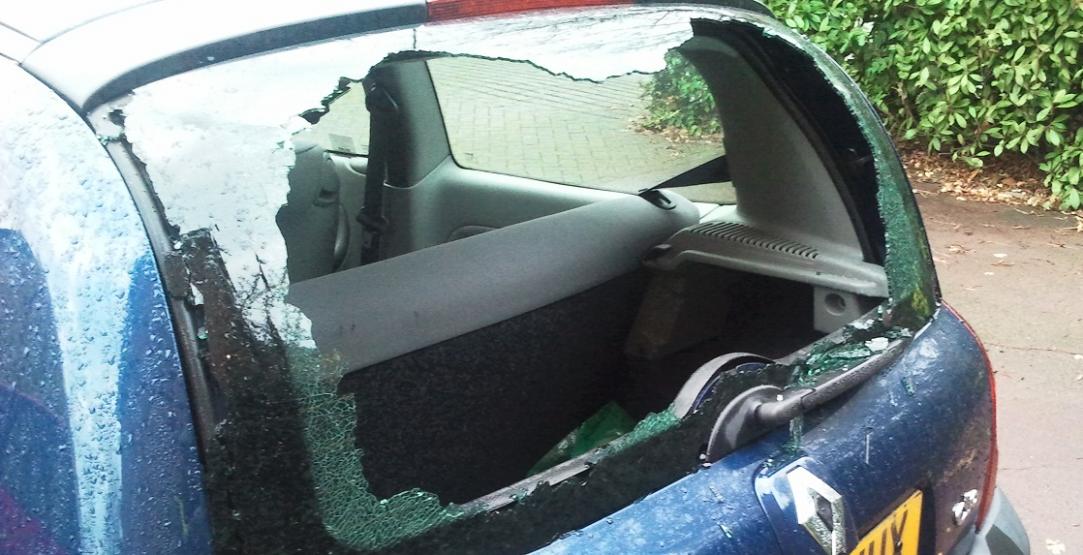
Hi all...I am from London~ If yours is a folding bike and keep in your car boot usually, don't do it anymore. =( You can learn my lesson here. http://www.pedelecs.co.uk/forum/stolen-electric-bikes-equipment/10198-my-urban-mover-26s-got-stolen-my-car-boot-damn-theft.html#post122066 Anyway, I got the Urban Mover U26S from BEST BUY with a discount, Normal price is £999, and i got it £750~ It was a really really good bike! Good bye to my bike...
-
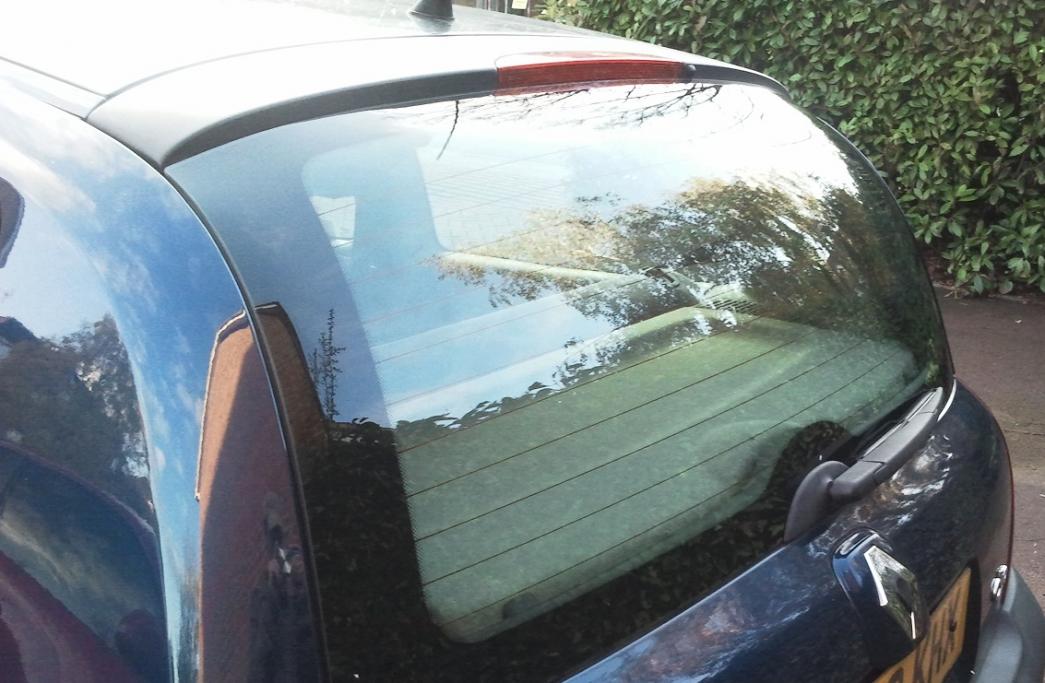
Make: Urban Mover Model: UM26S TERRAIN Urban Mover - the future is now Age: 1&half year old. (Battery was replaced by BEST BUY about 6 months ago) Colour: SILVER Date Stolen: 9/11/2011 Time: Midnight - 8am Location: Docklands, London Any Other Info: Part of it is my fault...I shouldn't put my electric bike inside the car =( Usually, it's well hidden under the plastic bit, so people won't see it from the window. I've been doing it for 1 and half year, until someone must have seen what I did, then came back to break my car's rear window and took the bike. That SCUM was stupid enough to leave my saddle, and I also got the battery and charger at home! I've reported to the Police...hope they will catch this scum one day. If the police can not find my bike, I hope I can sell my battery here, so it will be useful to someone.