PeterPi
Members
-
Joined
-
Last visited
-
I shall have to take a look. I did a repair on the controller last summer and I have seen replacements advertised. A circuit diagram would be great.
-
I have a TSDZ 2 and a VLCD5 display. I would like to add a throttle but I believe the VLCD5 I have has the wrong number of wires and is not compatible. Could anyone suggest a compatible display and/or a hack. A knee injury means I'm going to have to join the thousands of law breakers and stop peddling for a few months. :-( TIA Pete
-
Thanks for that. I knew what the 68 meant, but the rest must be to do with the crank spindle, I suppose.
-
I replaced it with a bronze gear wheel.
-
I've had the TSDZ2 fitted to my twenty year old bike for three years, and now I'm looking to move the kit to a new bike. Nothing fancy, but the problem is making sure I buy a bike with the correct size Bottom Bracket. I see things like this "Sealed, 68x122.5mm Square taper ". I get the 66mm bit but what does the rest mean. TIA Peter
-
I never thought about the waveform of the three phase supply, but I assume it's modified sine wave, which as you say is more likely to be noticable. Thanks again.
-
Thanks for the info. One thing I have notices is there is a bit more of a whine from the motor, which I assume is now due metal gears that are meshing. I'll put some more grease in there just to be on the safe side.
-
I was a bit hasty with my assumed fix. Although everything needed tightening up I was unable to a prolonged test of the system until last week. The noise returned when I selected higher gears and I was pedaling quite hard. I changed the blue gear and decided to replace it with a metal one instead. As a result there is no more noise in any gear or on any gradient. I didn't have any lithium grease, so as it's now a metal to metal contact, I used normal automotive lubricating grease. Should I still use white lithium grease anyhow? I've got quite adept at stripping the motor down and reassembling it so it's no hardship to changing the grease. TIA Peter
-
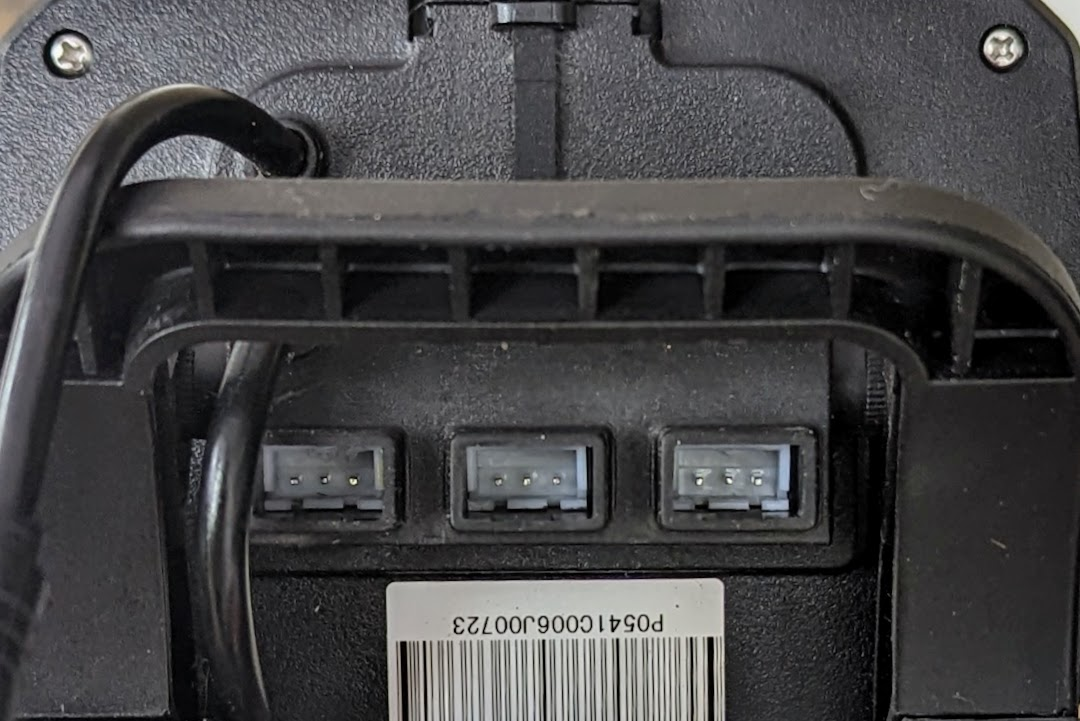
Should I use one of these ports and a throttle with this sort of connector? TIA Pete


-
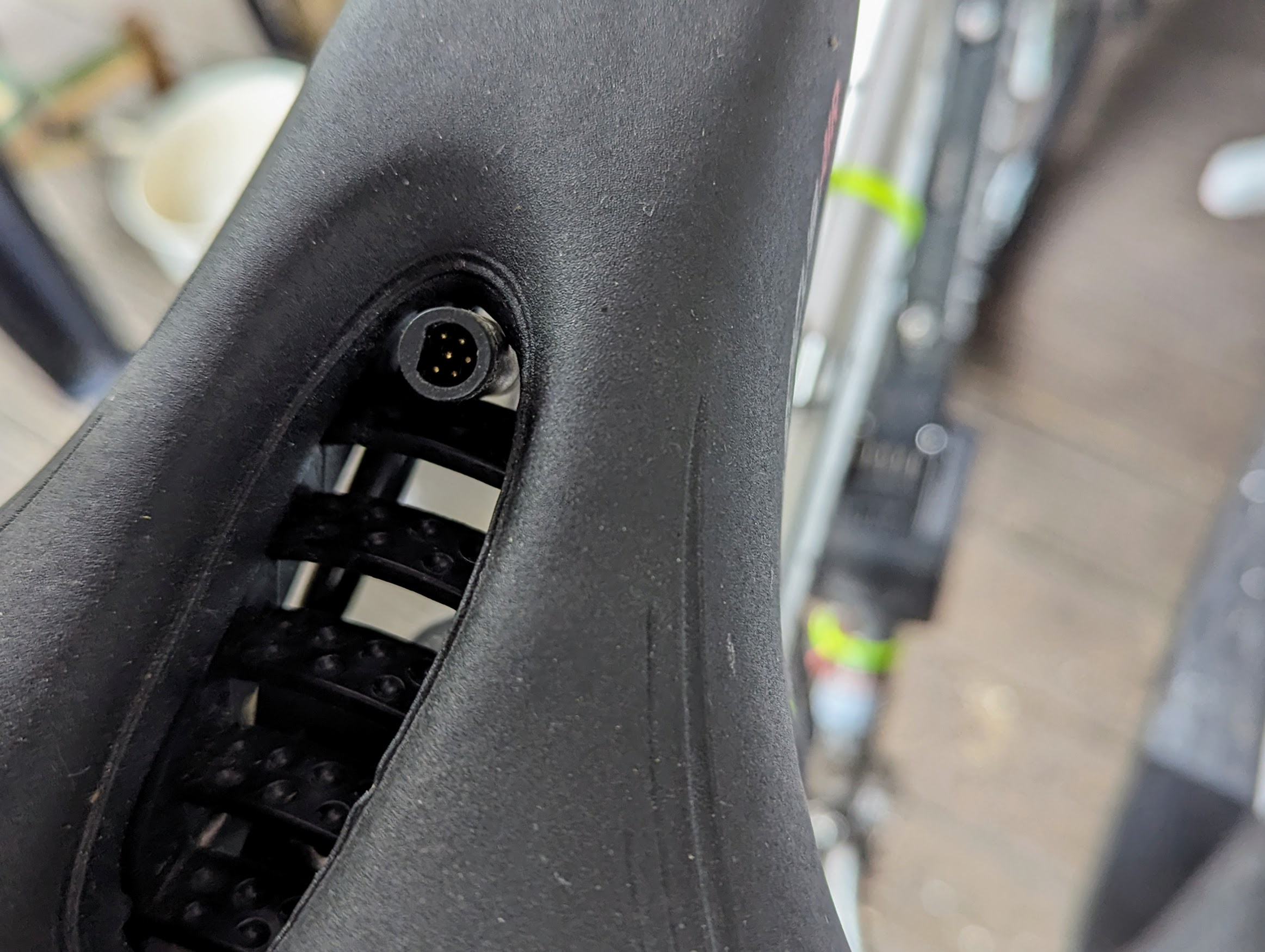
It just goes into the back of the display. I shall have to check the other cable that comes out of the display and repost. EDIT: the one that goes to the motor has six pins. Thanks.

-
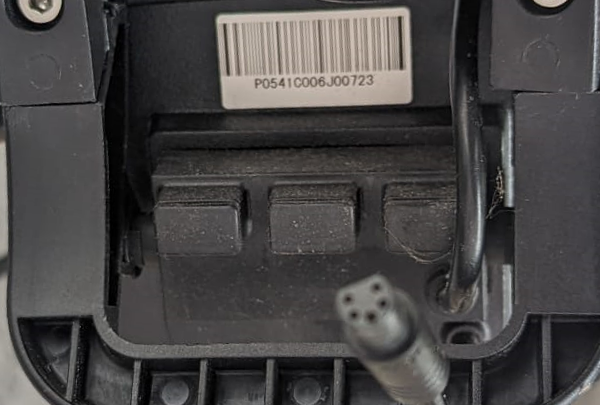
I have done a bit of trawling of various forums and drawn a blank. I want to fit one to the VLCD5 display which is shown below (apologies for the out of focus plug). I just need to know what I need to get and what's involved with firmware/software ETC. TIA Pete
-
I eventually got around to sorting this out, and there was nothing wrong with the clutch. It was as you, and others have said, a problem with the install. I think there were bolts which had slackened off as upon reassembly all is good. Thanks for all the input.
-
OK, thanks for the heads up. I'm persuaded that I have been looking in the wrong place. At least I've had a look at the insides of the motor, all the better when I really need to strip it down. Thanks again. Pete
-
I've done an inspection and partial disassembly but all seems good. Could it be the clutch in the blue nylon gear? Do they fail? TIA Pete
-
This is what it sounds like, but only when I press the left pedal. Not so much a screech as the sound of someone squeaking one out. https://www.youtube.com/watch?v=qIQDOMi1ja4