Galaxya6
Members
-
Joined
-
Last visited
Everything posted by Galaxya6
-
Thanks for the info... I’m hoping that the wheel circumference is set incorrectly.. this would explain it sort of working but not correctly.. tape measure in hand!!
-
Hi, thanks vfr400 I’ve never seen that manual in English! Do you know where I could get a service manual for the motor or even an exploded diagram?
-
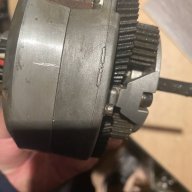
Hi All. I have a KTM Elycan ebike with a Panasonic rear hub motor. I got it in a bit of a sorry state but changed the motor bearings and the motor seemed fine. The trouble is when I use the bike I have to have the power setting to High to gain any real benefit and after a ride I am literally more knackered than if I use my my other standard MTB. I could do with a motor service manual to check whether something has been over tightened or not lined up correctly. The bikes do weigh a ton but with pedal assistance it should make life easier not harder! Thanks Ian