Skip to content
View in the app

A better way to browse. Learn more.

Pedelecs Electric Bike Community

A full-screen app on your home screen with push notifications, badges and more.

To install this app on iOS and iPadOS
  1. Tap the Share icon in Safari
  2. Scroll the menu and tap Add to Home Screen.
  3. Tap Add in the top-right corner.
To install this app on Android
  1. Tap the 3-dot menu (⋮) in the top-right corner of the browser.
  2. Tap Add to Home screen or Install app.
  3. Confirm by tapping Install.

FRED1968

Members
  • Joined

  • Last visited

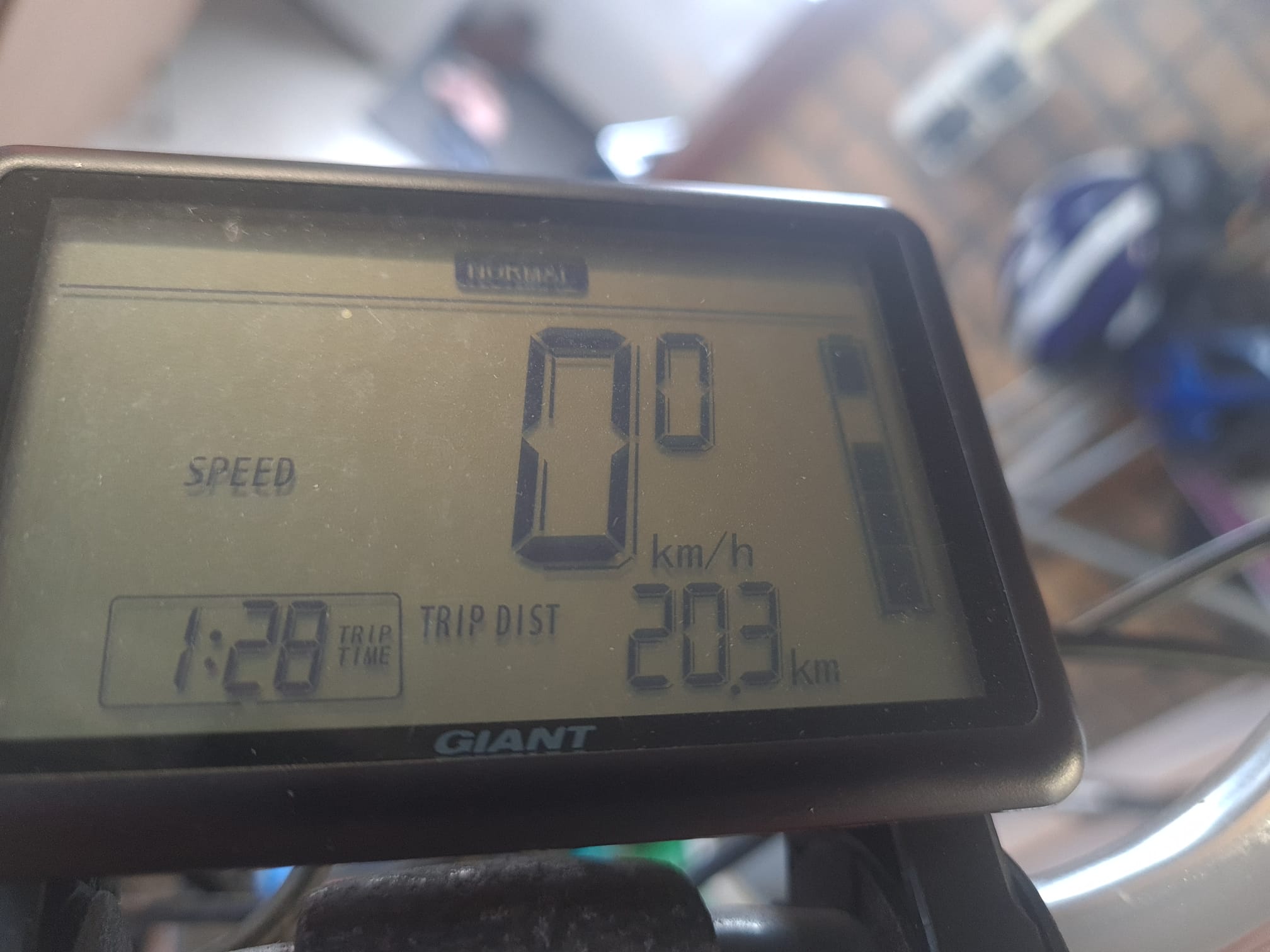
  1. I'v got a giant Ease-e with a 36V syncdrive front wheel motor. When powering up first the compleet battery symbol is flashing for a few seconds then the fourth digit of the batterysymbol keeps flashing. no faultcode at the left side off the display. The assistance is off. I'v checkt all connectors, they seems to be OK. someone any idea's
  2. I'v got a giant Ease-e with a front wheel motor. When powering up first the compleet battery symbol is flashing, then the fourth digit of the batterysymbol keeps flashing. no faultcode at the left side off the display. The assistance is off. I'v checkt all connectors, they seems to be OK. someone any idea's
Background Picker
Customize Layout

Account

Navigation

Search

Search

Configure browser push notifications

Chrome (Android)
  1. Tap the lock icon next to the address bar.
  2. Tap Permissions → Notifications.
  3. Adjust your preference.
Chrome (Desktop)
  1. Click the padlock icon in the address bar.
  2. Select Site settings.
  3. Find Notifications and adjust your preference.