Skip to content
View in the app

A better way to browse. Learn more.

Pedelecs Electric Bike Community

A full-screen app on your home screen with push notifications, badges and more.

To install this app on iOS and iPadOS
  1. Tap the Share icon in Safari
  2. Scroll the menu and tap Add to Home Screen.
  3. Tap Add in the top-right corner.
To install this app on Android
  1. Tap the 3-dot menu (⋮) in the top-right corner of the browser.
  2. Tap Add to Home screen or Install app.
  3. Confirm by tapping Install.

MyersB91

Members
  • Joined

  • Last visited

  1. If you take it to a batteries plus bulbs they should be able to take wires off old battery and put it on new battery
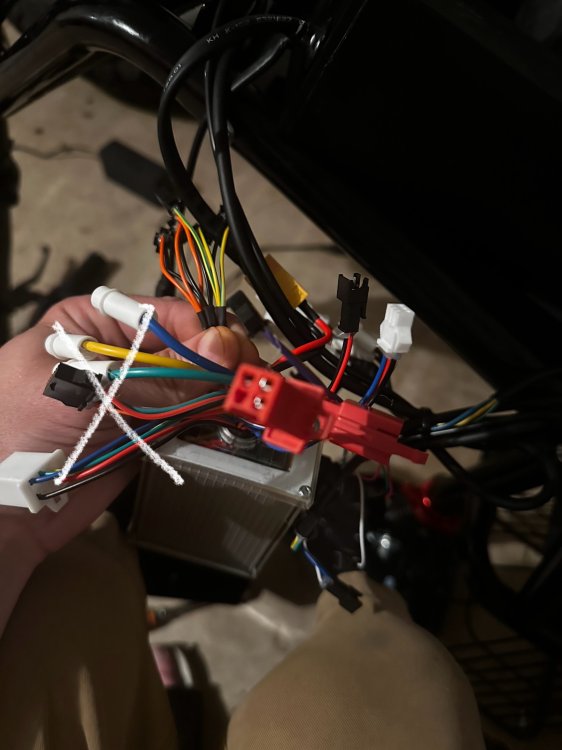
  2. Talking about the one on the left in the pic with the x?
  3. it actually wasn’t connected to anything when I opened it up don’t think it really helps
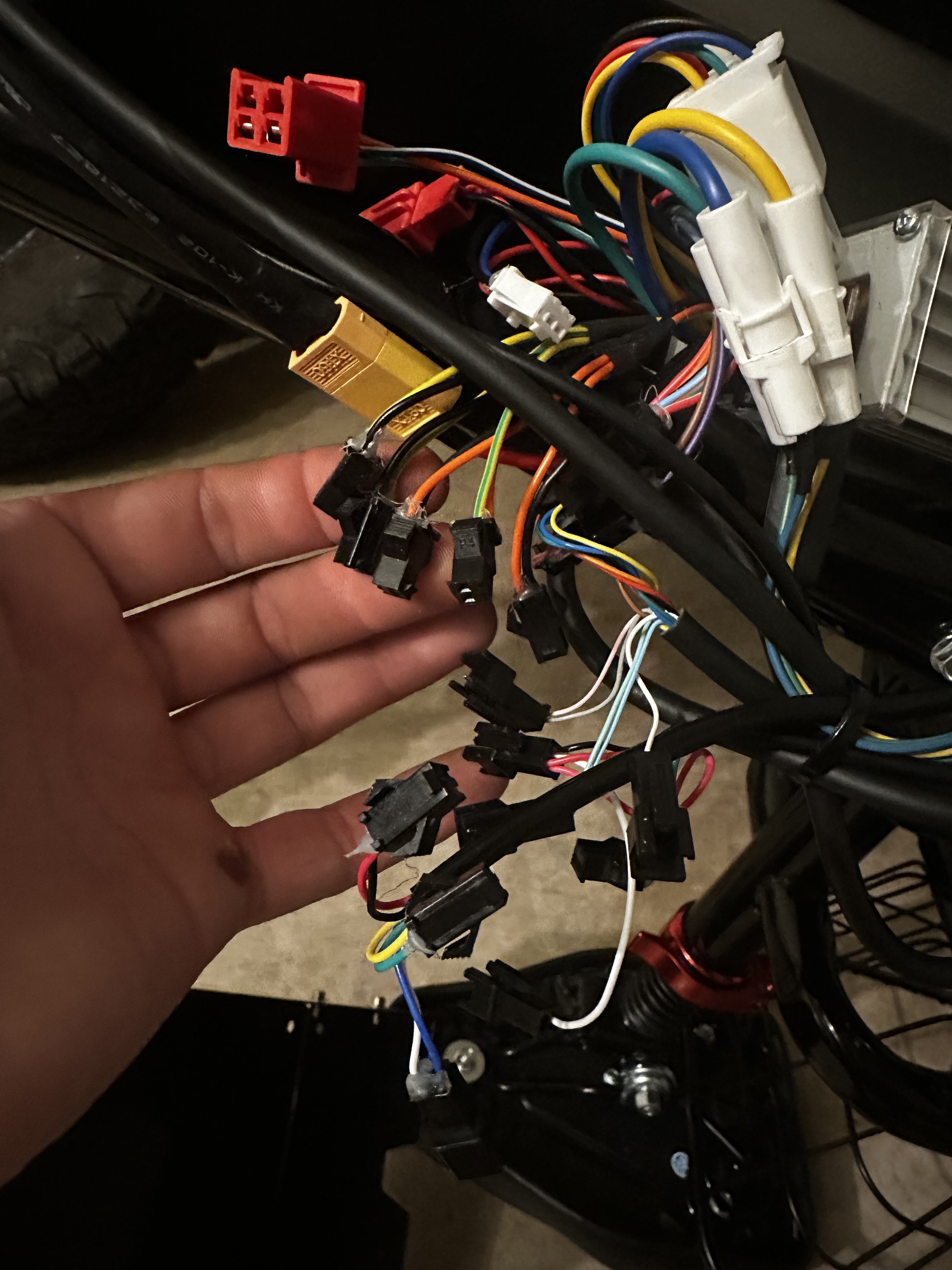
  4. This is what it is right here
  5. I have no idea what wires go where. It was already a mess when I opened it up as there was a bunch of wires not connected. Was just trying to get it to go faster lol. Then tried putting it back and no lights are working besides the headlight, but doesn’t shut off by the button like it did. Also the horn doesn’t work
Background Picker
Customize Layout

Account

Navigation

Search

Search

Configure browser push notifications

Chrome (Android)
  1. Tap the lock icon next to the address bar.
  2. Tap Permissions → Notifications.
  3. Adjust your preference.
Chrome (Desktop)
  1. Click the padlock icon in the address bar.
  2. Select Site settings.
  3. Find Notifications and adjust your preference.