Zain786kk
Members
-
Joined
-
Last visited
-
About the screen. The screen has been broken for like a year now and it’s never been a problem. On google it said something to do with the brake could be a problem. So I fixed the break as the front one wasn’t working and it’s fixed but the bike still didn’t turn on.
-
The bike just flashes. It doesn’t even turn on.
-
I’m not really good with electronics and stuff. I guess I’m screwed. And getting a professional will probably be quite pricey
-
So I need to get a brand new battery is the solution?
-
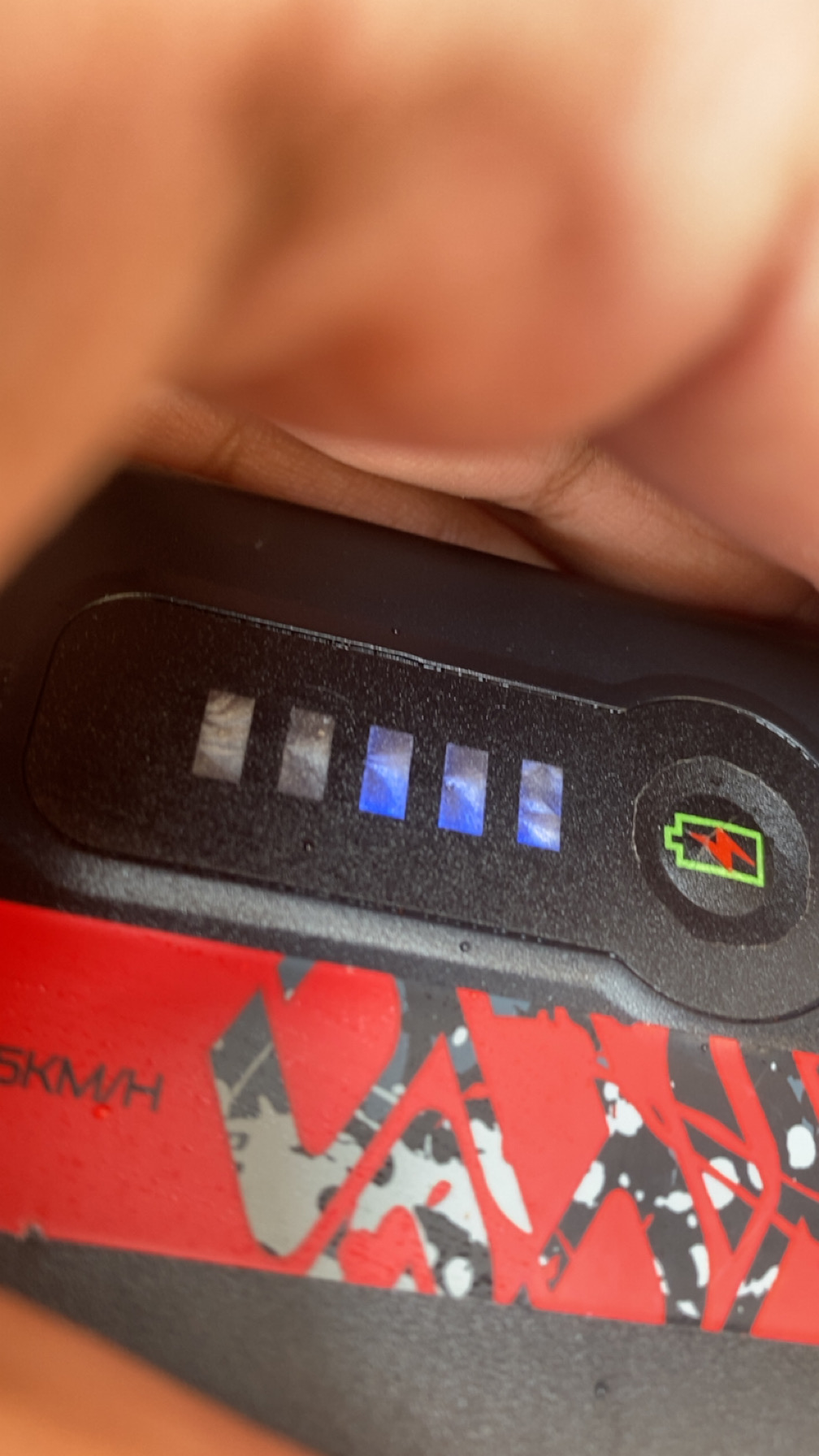
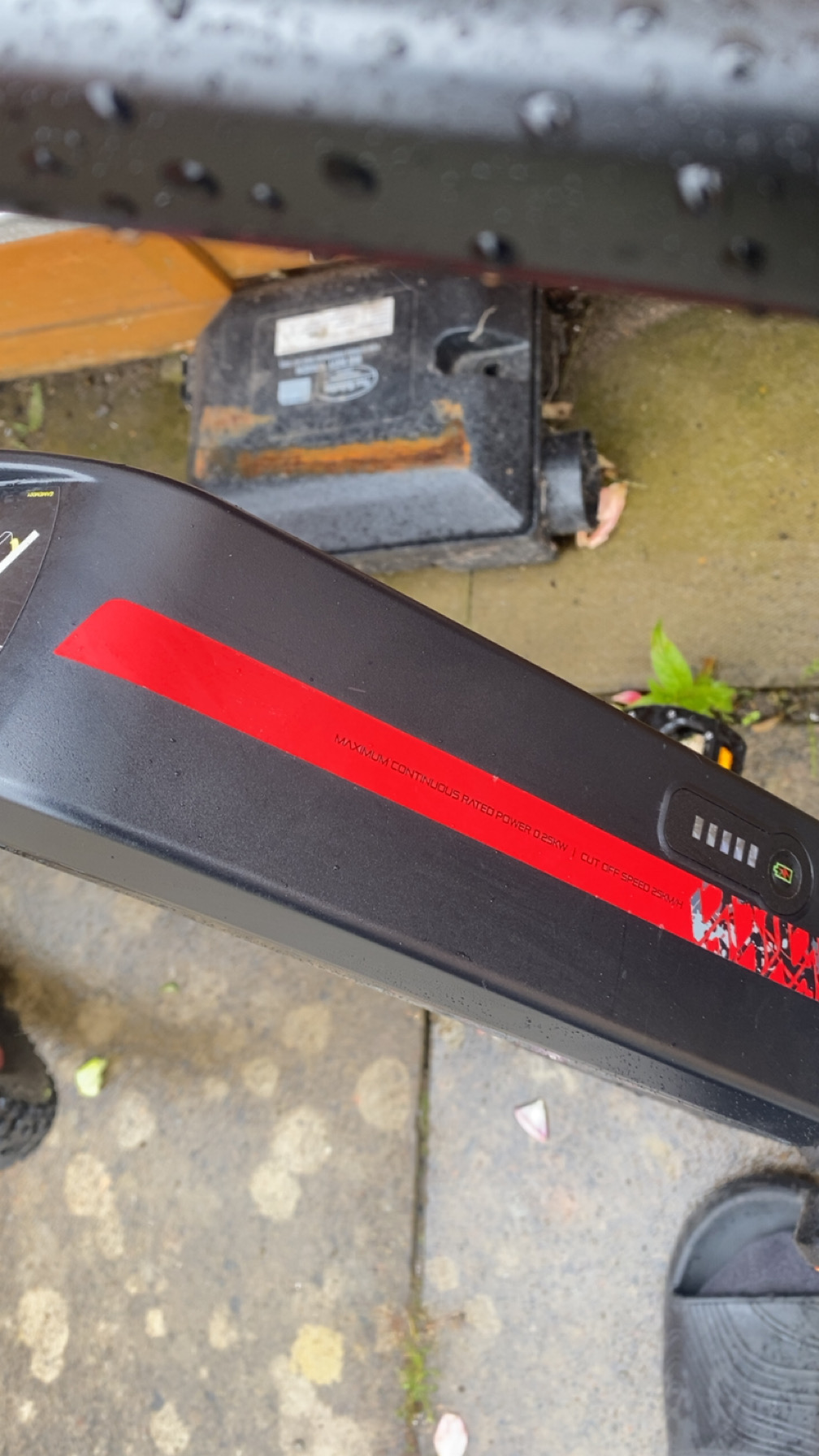
This is the button to check battery. When you hold it, it turns on the bike. I bought this bike from my friend a year or 2 ago and the screen was broken. So I’ve not used the screen since then and it’s never been a problem. I’m wondering what these 3 loght flash is, and how I can solve this.
-
Sorry a bit new to this. These 3 lights flash for about 10 seconds and then stops
-
I have a Carrara E Vengeance bike. I’ve had it for nearly 2 years and I have a problem. Whenever I hold the button to turn it on, it flashes 3 lights. I need help. What can be the problem.