Clyfford
Members
-
Joined
-
Last visited
-
Thanks so much, that’s really really helpful. Will do as you recommend!
-
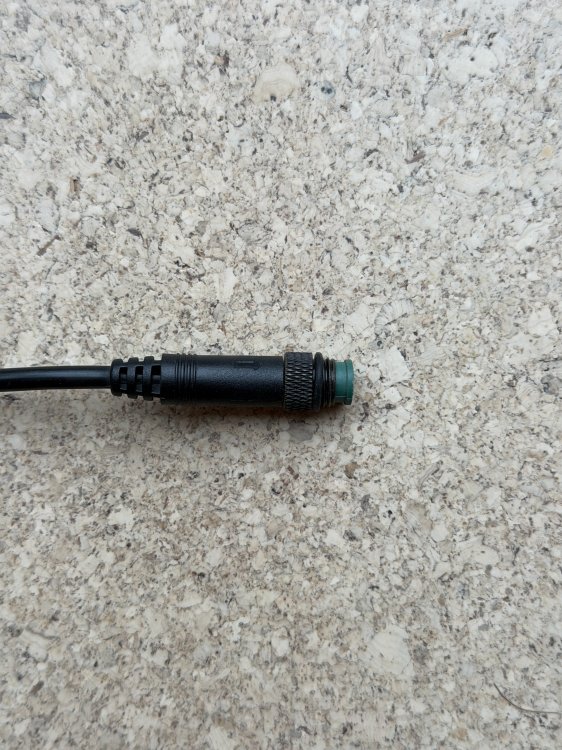
Hi all, would be v grateful for some advice please. I have a SW102 display on my 2019 Carbo Model S. Water has gotten into the display and it no longer shows anything, though the buttons turn the bike on/off & adjust the assist level correctly. I can’t find an SW102 with the same male 5 pin screw connector anywhere online, and am trying to work out what’s best to do. Ideally I’d just buy a direct replacement if anyone knew where I could get one? Failing that, do I need to just buy any SW102 screen, cut my current connectors off, buy and fit a new 5 pin set and wire them the same as my current ones? Or is that way too simple? Pics attached. My very generic looking controller has a ‘drawing number’ LD-JH-007 - not sure if that is the model no..? Motor is Bafang with RM G020.350.DC 08 written on it. Thanks v v much in advance.